
There are numerous ways to kill a Virtual Machine after it becomes unstable but my new favorite method is using the vm-support script. This script will not only remove all active processes associated with the Virtual Machine but also compile a nice little tar file to send to support if you want to do some post analysis.
2 Easy Steps and about 5 – 10 minutes later :
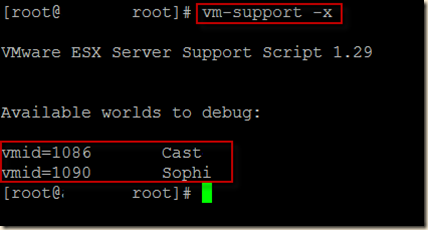
- vm-support -x will give us a list of the World IDs for the running VMs on the particular ESX host we are running the command on.
- vm-support -X <vmID> will run the support script and kill the processes associated with the vmID after gathering some support and debug information.
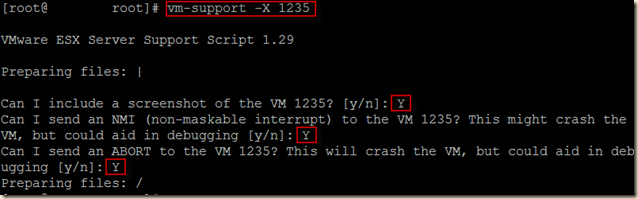


After the script completes, there will be a nice little package to download and upload to support and the hung machine will be powered off. If you need a quicker way to pull the plug, try some of the suggestions found at Virtrix. Read more here.
Advertisement

