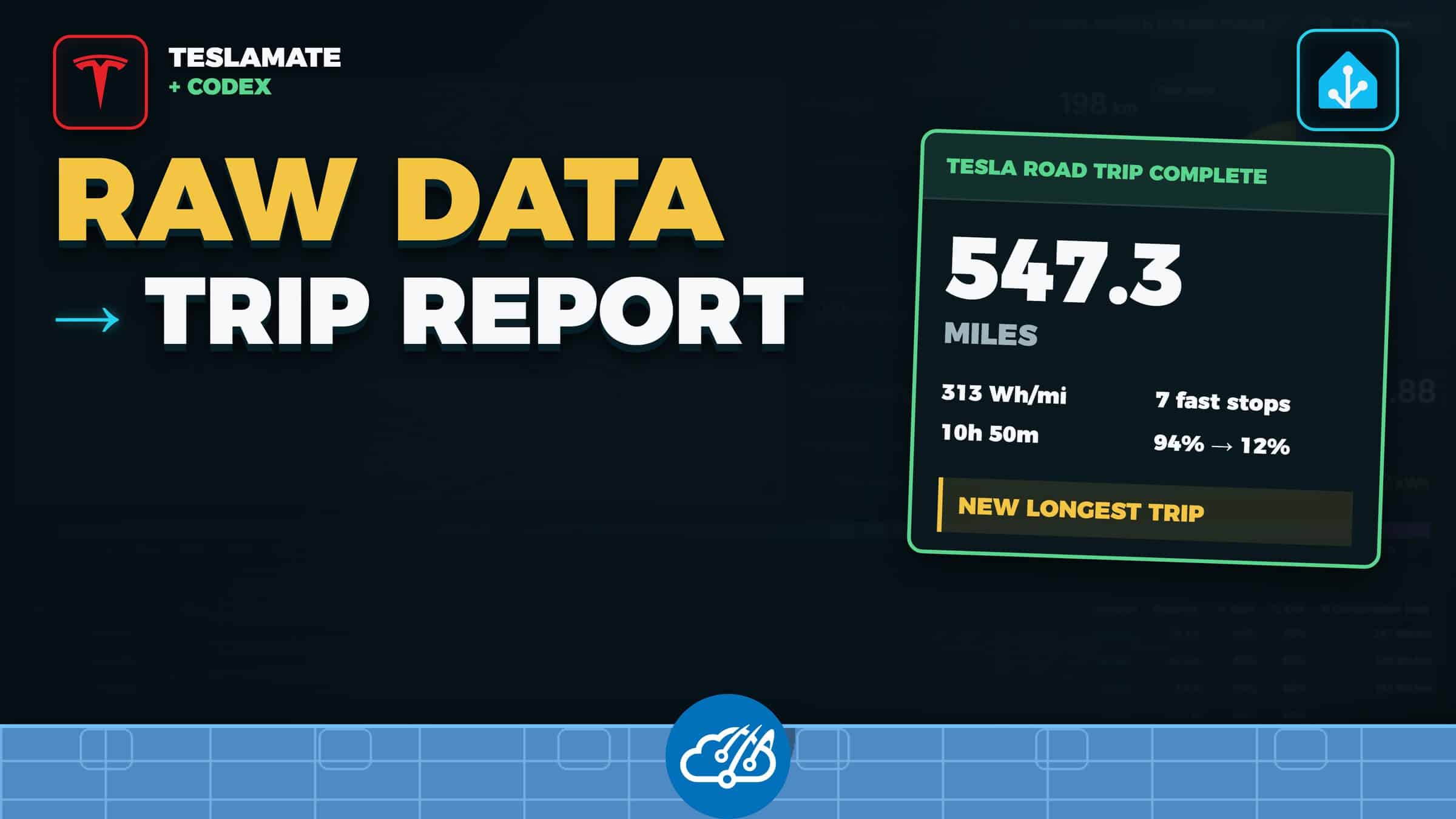
TeslaMate records every drive, charge, battery change, and location. After a road trip, that leaves me with a lot of good data and no short answer to a basic question: how did the trip go?
I gave Codex read-only access to the TeslaMate history from a recent 547-mile trip. It grouped the drives and charging sessions, checked the math, and produced one report I could read in a few seconds. The report covered distance, drive time, efficiency, Supercharger stops, battery range, and personal records from the history TeslaMate has collected.
Start with a read-only trip report
You can run this without Home Assistant. Point Codex at your TeslaMate PostgreSQL database with read-only credentials and use a prompt like this:
Read my TeslaMate data and analyze the latest road trip that starts when the car leaves my Home geofence and ends when it returns. Include total distance, driving time, estimated energy use and efficiency, average speed, fast-charging stop count, charging time, charging energy, recorded cost when complete, battery start/end/low, comparison with previous qualifying road trips, and any new personal records. State the timezone, tracking coverage, missing-data limits, and which values are estimated. Do not change the database.Read-only access matters. Codex needs to query the drive, charging, position, and geofence records. It does not need permission to edit the TeslaMate database.
Define the trip before calculating the stats
A road trip spans more than one TeslaMate drive. Stops for food, hotels, and charging split the trip into separate rows. I use the Home geofence as the boundary: the trip begins when the car leaves Home and ends after the completed return drive.
My current filter requires at least 150 miles and six hours away from home. Those limits keep local errands out of the report. You can change both values to match your driving.
Calculate the useful numbers and label estimates
- Total distance, driving time, and average speed
- Estimated energy use and efficiency
- Fast-charging stops, charging time, energy added, peak power, and cost when TeslaMate has a complete cost
- Starting, ending, and lowest observed battery level
- Distance and efficiency ranks across the tracked history
- Comparison with the previous qualifying road trip
The report labels estimates and gaps. Energy use can come from changes recorded during each drive, while charging cost depends on the data available for that session. Records apply to the history TeslaMate has collected, so the report states the tracking window instead of presenting a partial history as an all-time result.
Add mid-trip milestones
I run the check once per hour from 8:00 AM through 1:59 AM. An active trip gets a milestone at 150 miles and then every additional 200 miles. A milestone can call out distance, drive time, charging stops, efficiency, or a new record while the trip is still in progress.
The final report waits 30 minutes after the return-home drive. That gives TeslaMate time to finish the last drive and charge records. Each trip and milestone gets its own deduplication key, which prevents repeat alerts after a restart.
Use Home Assistant as the delivery layer
Home Assistant is optional in this setup. I use it because the phone notification path already exists. The full report goes to our regular chat, while Home Assistant sends a short version to both household recipients.
The two messages come from one structured result. The full report can keep the caveats and comparisons. The phone alert can stay compact: trip distance, drive time, efficiency, charging stops, and the best record headline.
The public BearClaw Home Assistant package shows the callback and family-notification side. Issue #1845 documents the trip rules, milestone schedule, report fields, and duplicate controls. TeslaMate remains the source of truth for the car history.
Watch the full walkthrough
TeslaMate keeps the detailed history. Codex turns a selected trip into a report, and your preferred notification system puts that report where you will read it.