Wildfire smoke can travel hundreds or thousands of miles, and the sky can still look normal. I wanted Home Assistant to warn the house when outdoor air crossed a useful threshold without reading an AQI number during every weather briefing.
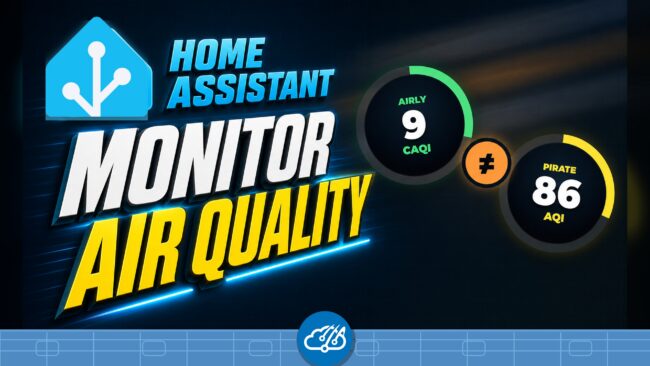
Why three air-quality rows appeared
My Home Assistant dashboard showed three air-quality rows. The Spook row counts entities in Home Assistant’s air-quality category. Its zero was a diagnostic count rather than an outdoor-air measurement. Airly and Pirate Weather supplied the two readings I could use for the house.
Airly is an approved Home Assistant integration. I configured it to use the nearest monitor, which gives the house a local Common Air Quality Index, or CAQI. Pirate Weather added air-quality sensors in version 1.9 and exposes the US Environmental Protection Agency AQI when the integration uses US units.
Pirate Weather is an unofficial third-party integration installed through HACS. Its air-quality monitored condition must be enabled through the integration options before the entity appears. I kept that setup in the Home Assistant UI instead of editing storage files.
CAQI and US AQI need separate thresholds
My dashboard once showed Airly at 9 CAQI and Pirate Weather at 86 US AQI. Both readings can be valid because the indexes use different scales, pollutant rules, and averaging windows. Averaging them would create a third number with no useful meaning.
I use Airly as the local signal and Pirate Weather as the safety backstop. The speech briefing checks each source against its own threshold:
- Airly alerts at 50 CAQI, the start of the medium range.
- Pirate Weather alerts at 101 US AQI, unhealthy for sensitive groups.
If one source crosses its threshold, Home Assistant adds that source to the briefing. If both sources cross, the house reports both values with their matching category. Good air stays out of the announcement.
A useful speech alert
A bad-air briefing can sound like this:
Outdoor air quality alert. Nearest Airly CAQI is 82, rated high. Pirate Weather US AQI is 132, unhealthy for sensitive groups. Consider closing the windows and moving long outdoor activity inside.
The alert gives the house a condition and a next step. The same entities can drive a dashboard card or phone notification, but speech works best when normal status stays quiet.
The implementation lives in config/templates/speech/briefing.yaml, with the design discussion and validation history in GitHub issue #1834. The broader speech documentation is in the repo’s Speech automation README.
This follows the same sensor-driven approach I used when Home Assistant caught my HVAC failure: watch the signal that proves the house needs attention, then speak when someone can act on it.
Watch the walkthrough
The video shows the three rows, explains the two index scales, and plays a complete high-AQI speech example.