
Our Home Assistant dashboards do their jobs every day: show the cameras, tell us what needs attention, and put the controls within reach. I wanted them to join in when the rest of the house changes for a holiday. A little Christmas artwork or a Halloween accent is enough, provided it does not get in the way of using the screen.
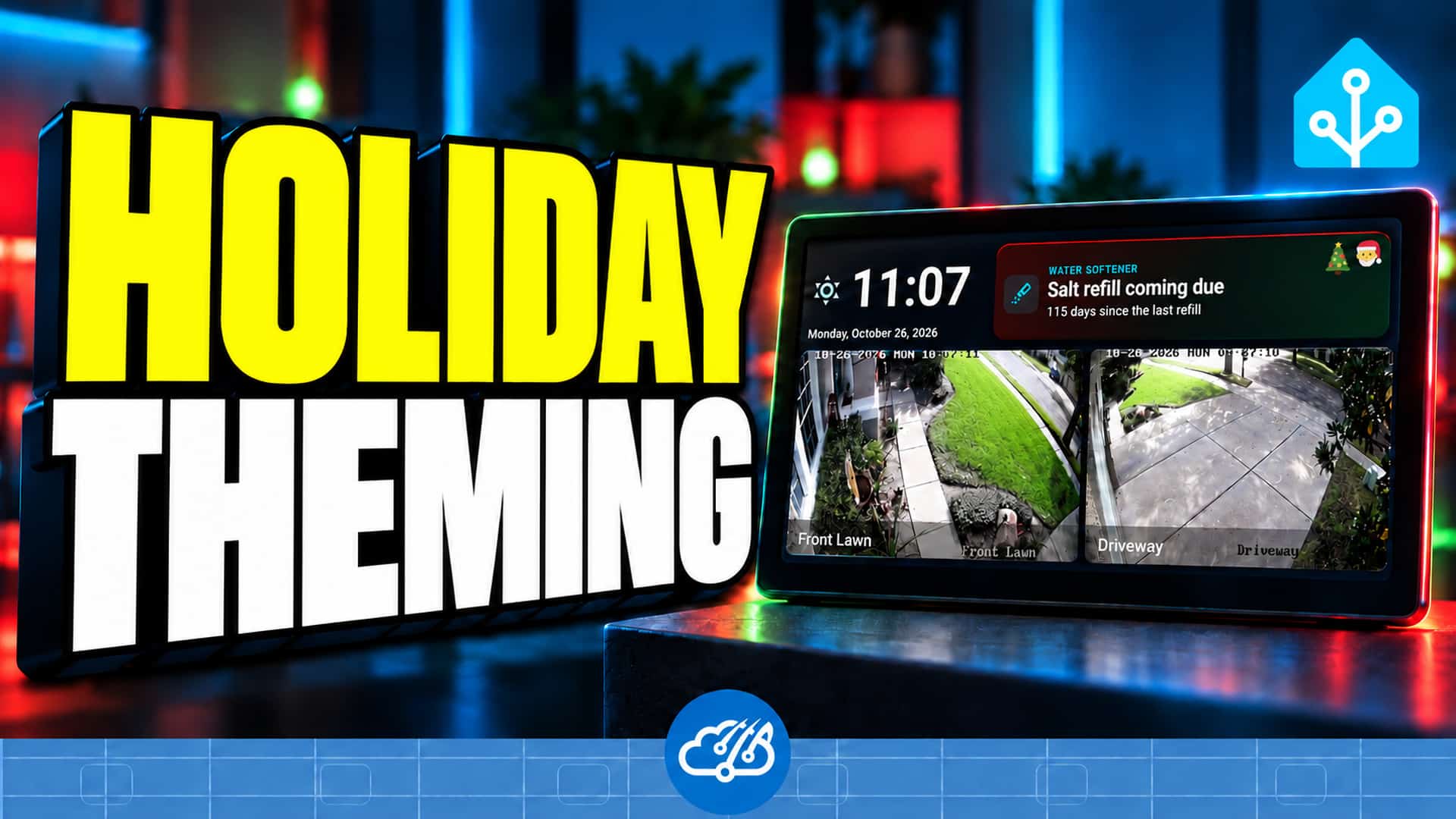
This started as an idea I gave Codex: use the holiday information we already have, make the seasonal touches recognizable, and leave the useful parts of the dashboard where they are. The short video shows the result across our kiosks, main dashboard, and Samsung TV. The Christmas and Halloween examples demonstrate the implemented renderer in different seasonal states.
Use the holiday state the house already knows
The calendar work was already done. Our local holiday countdowns support announcements and seasonal lighting, and sensor.holiday_lighting_mode tells the display code which seasonal treatment to use. Reusing that state keeps the screens aligned with the lighting without maintaining another list of dates.
The shared kiosk notification model maps the sensor value to a small palette and local artwork. It supports sixteen seasonal modes, including Christmas, Halloween, Thanksgiving, Hanukkah, and several smaller occasions. A normal, unknown, unsupported, or unavailable value produces the ordinary appearance.
Decorate the space you already have
The first version was too subtle. I wanted someone walking past the screen to recognize the holiday. A large banner was also the wrong fit: adding another row pushed the useful content down, and the smaller displays had no room to spare.
The final accents live inside existing notification panels and section headers. Background color, a narrow edge, and small seasonal artwork carry the theme. Text, warning icons, camera images, controls, and touch targets retain their original purpose. The dashboard does not become taller when a holiday starts.
The decorations are static and locally served. That keeps this change small for older displays and avoids adding an animation loop or an external asset service. Camera events and detail views still take priority. The seasonal artwork folder includes the SVG files and licensing notes if you want to adapt the example.
Give your agent a useful starting brief
You do not need my exact dashboard to try the idea. Tell your agent which entity selects your holiday, which screens should respond, and which parts of the layout must stay fixed. A brief like this gives it something concrete to inspect:
Use my existing holiday sensor to add seasonal accents to the dashboard. Keep the current card positions, dimensions, controls, and status colors. Put decoration inside existing headers or notification panels. Show the normal appearance when there is no supported holiday, and preview each mode before changing the live household state.
The agent still needs to connect that input to your particular dashboard. Review a long reminder, a warning, and a camera takeover as well as the festive example. Check the smallest screen and an ordinary day. Those checks catch the practical problems that a single attractive screenshot can miss.
Bring the other household screens along
Our seasonal avatar artwork helped inspire this project. The same idea now reaches the notification panel on the Samsung TV dashboard built with Haven. If you use Roku instead, the Raven follow-up shows how we gave that screen a household-dashboard role too.
The original project discussion records the design choices, and the public repository contains the example implementation. Start with one small area of your own dashboard and see whether it adds personality while remaining easy to use.
Watch the holiday dashboard walkthrough
The video shows the seasonal transitions and where the accents fit. What would you theme in your house?