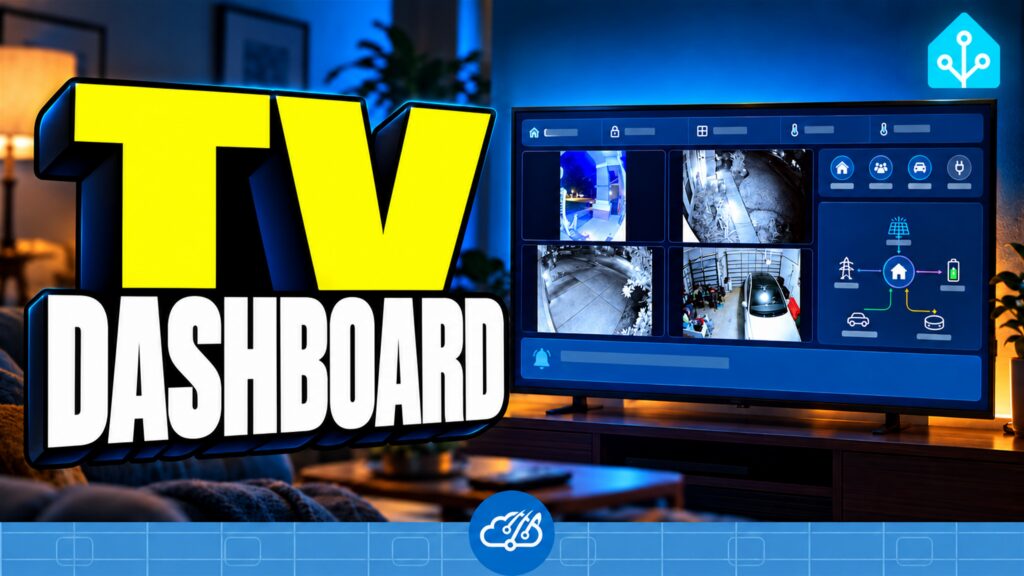
We’re a Roku house. The living room TV spends plenty of time between shows, and I wanted that screen to show something more useful than an idle menu. Now, after a few minutes on Roku Home, our Home Assistant dashboard opens on the TV. We’re calling the app Raven.

This is a follow-up to the Haven dashboard I put on our Samsung TV. Haven gave us a useful layout for cameras, weather, and household information. The next question was whether we could bring that idea to the Roku devices we already use.
From Haven to Raven
I saw a Home Assistant community post about a sideloaded Roku dashboard from u/No_Jeweler_3105. That got me thinking. I used Codex to help build a native Roku app around the information and layout we wanted from Haven, originally created by natureglass.
Raven shows our cameras, weather, household status, energy, water, and notices. It also follows the seasonal themes we already use around the house. We’ve tested the pilot on one Roku Ultra; more Roku devices and longer reliability testing are still on the list.
Let Home Assistant decide when to open it
I chose a full Roku app because Roku’s screensaver rules don’t allow the interactive behavior I wanted. In our setup, the Roku’s own screensaver is disabled and Home Assistant handles the idle timing.
The Roku integration reports the active app and can launch a source. Our automation waits until Roku Home has been active for two minutes, checks that the TV is on and automatic launch is enabled, and then opens Raven. Pausing a show inside a streaming app is different from sitting on Roku Home, so that doesn’t trigger the dashboard.
When we want to watch something, Home or Back on the regular Roku remote takes us out. A 15-minute pause after a manual exit gives us time to pick the next show without Raven popping right back up. Those timings are choices for our house; use whatever makes sense for yours.
What sideloading means for this pilot
Raven is our custom app, not a listing in the Roku store. I enabled developer mode and installed it on the Roku using the development installer. Roku’s setup guide explains that process and its limitation: a Roku device can hold one sideloaded development app at a time. Installing another sideloaded app replaces the previous one. That restriction is separate from the streaming apps installed normally from Roku.
The app source isn’t a public download yet. I want to share it once it’s ready, but I don’t want to pretend this is a finished install guide today. The Raven pilot issue has the current progress and the models and reliability checks still to do.
If you’re exploring a similar project, start with a small display and the states that already exist in your Home Assistant setup. Decide when it should open, how the remote gets you back to TV, and how you’ll keep access to household data appropriately limited. Test on the actual TV before depending on it every day. That’s the approach I want to carry to our other Rokus.
Watch Raven on the Roku
The video shows the real TV opening the dashboard, the information we brought over from Haven, and how Home Assistant handles the idle and exit behavior. If you missed the original project, watch the Samsung Haven video for the dashboard that started this experiment. Happy Automating!