

Home Assistant Vacation Mode: A Smarter Way to Watch the House While You’re Away
Build a Home Assistant Vacation Mode that tracks sitter visits, sends useful reminders, checks doors and locks, and uses the video for the full walkthrough.
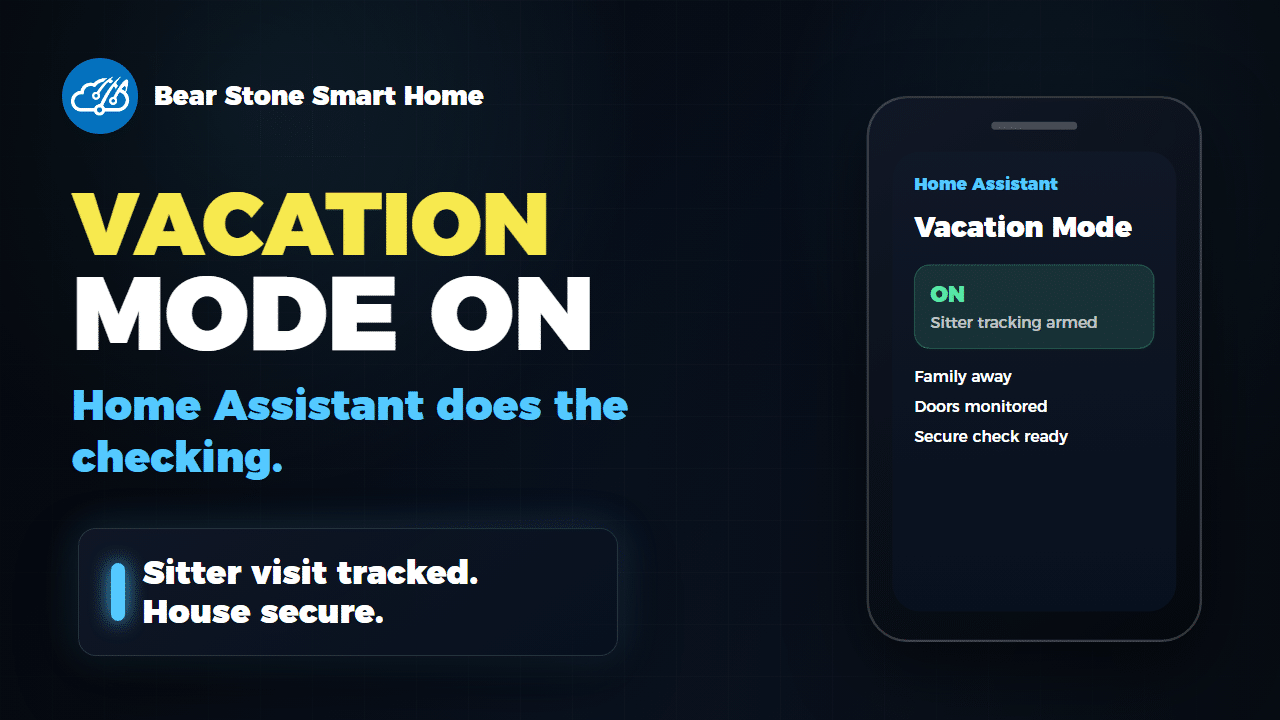
Away Mode is fine for a normal workday. Vacation Mode is different. When the house is empty for days, Home Assistant should stop acting like everyone will be back in an hour and start watching the things that actually matter: sitter visits, doors, locks, reminders, and the final secure-house check after someone leaves.
I made a new video showing how I built that pattern at Bear Stone. This post is the companion piece: the design notes, the pieces worth copying, and the reasons I think this is a useful Home Assistant pattern even if your sensors and routines are completely different from mine.
The Goal
The goal was not to build a giant vacation automation that does everything. That kind of automation gets brittle fast. The goal was to create a clear state machine that other automations can trust.
For my setup, that means Home Assistant can answer two simple questions:
- Is the house in Vacation Mode?
- Is the house sitter currently present?
Once those states are reliable, the rest of the system becomes much easier to reason about. Notifications, reminders, dashboards, speech, and security checks can all react to the same source of truth.
Why This Is More Than Away Mode
Away Mode usually means “nobody is home right now.” Vacation Mode means “normal routines are suspended for a while.” That difference matters.
A good Vacation Mode should handle longer absences, trusted visitors, and recovery when the family returns. It should not depend on one perfect sensor either. I still like strong presence detection, but for a trip-length mode I want more than one signal before the house changes behavior.
That is why my package uses sustained absence and bed inactivity as part of the decision. Those signals are specific to my house, but the idea is portable: use the signals you already trust, and do not let a single noisy device flip an important mode by itself.
The Two Helpers I Would Start With
If you are building your own version, start with two helpers:
input_boolean.vacation_modefor the house-level mode.input_boolean.house_sitter_presentfor the active visit state.
That is the real pattern. Do not start with the alerts. Do not start with the dashboard. Start by making those two states accurate.
In my package, Vacation Mode turns on after a sustained absence and turns off only after the family has actually returned. The sitter helper turns on when Home Assistant sees a likely visit and turns off when the visit appears to be over.
What The House Watches
The video shows the flow with the real visuals, but the important implementation detail is that the sitter state is inferred from ordinary house activity. In my case, that includes garage door activity, front door activity, and lock activity while Vacation Mode is active and the family is away.
You could build the same idea with a doorbell, a contact sensor, a smart lock, a driveway camera, a keypad, or a trusted person tracker. The exact trigger matters less than the rule: use signals that mean “someone trusted probably arrived” and only evaluate them while the house is in the right mode.
The Part Worth Copying First
The most useful part is not the welcome message. It is the secure-house check after the sitter leaves.
When the sitter visit ends, Home Assistant waits a bit and then checks the things I care about: garage doors, entry points, and locks. If everything is secure, it quietly logs the result. If something is open or unlocked, it sends an alert.
That is the piece I would copy first because it turns a passive smart home into a useful safety net. It also avoids bothering anyone during the visit. The house waits until the visit is over, then checks whether anything was missed.
Reminders Should Be Contextual
Vacation Mode also gives you a cleaner way to send reminders. A sitter reminder is useful when the sitter is actually there. It is noise at any other time.
This is the same reason I like targeted household reminders, like my garage Alexa reminder for water delivery. The notification is only good when the context is right. Vacation Mode gives those reminders a much better context window.
What The Video Adds
The video is worth watching because the timing is easier to understand visually than in YAML. I show the Vacation Mode state, the sitter arrival and departure flow, phone-style notifications, Frigate garage-door clips, and the end-screen sequence that explains how the pattern fits together.
The post gives you the design. The video shows the behavior.
Build Your Version In This Order
- Create a Vacation Mode helper.
- Create a house-sitter present helper.
- Decide what sustained absence means in your house.
- Decide which sensors are trustworthy enough to imply a sitter visit.
- Add the secure-house check after the visit ends.
- Add reminders only after the state machine is reliable.
That order matters. If the mode and visit state are wrong, the reminders will be wrong too.
Grab The YAML
You can browse my current Home Assistant Vacation Mode package on GitHub. Treat it as a pattern, not a drop-in file. Your entity IDs, family presence rules, locks, doors, and notification targets will be different.
Then watch the video above to see the flow on screen before you adapt it. That combination is the best way to use this: the article explains what to build, the YAML shows one real implementation, and the video shows how it feels when the house actually runs it.
Draft generated with help from Codex