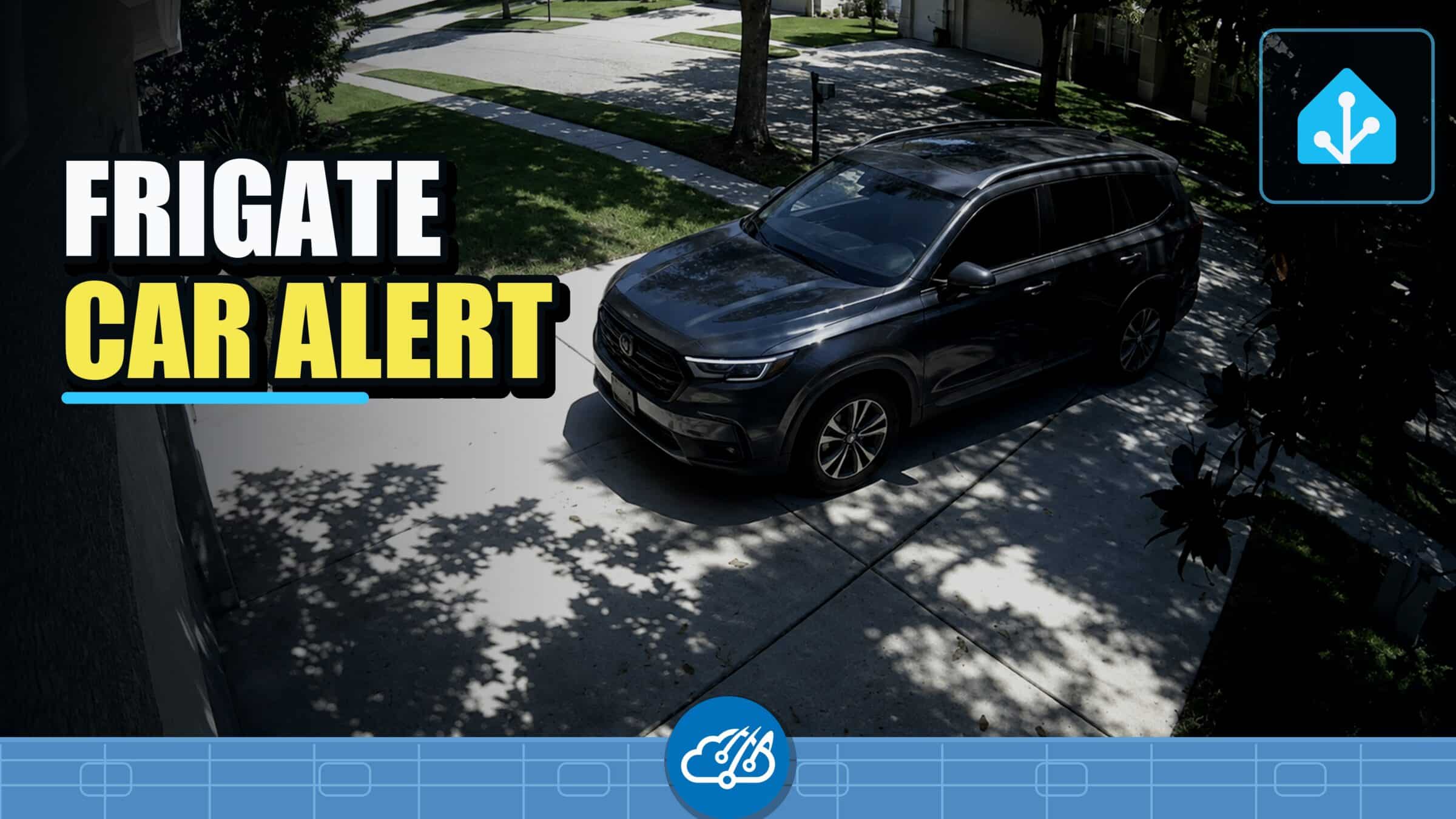
A car crossing the driveway camera is ordinary motion. A car that stays inside the driveway for thirty seconds is a much better reason to alert the house. I built that distinction in Frigate, then let Home Assistant handle the phone notifications and optional voice announcement.
Start with a car-specific Frigate zone
The camera was already in Frigate, so the first useful change was a polygon over the part of the driveway where a parked vehicle matters. Frigate decides whether an object is inside a zone by checking the bottom center of its detection box. In practice, the polygon should cover the pavement where the tires will sit, not the entire body of the car.
I limited the zone to cars and added a 30-second loitering time. That filters out traffic passing the house, a quick turn-around, and most short drop-offs before Home Assistant ever receives an event worth acting on. Detection stays local in Frigate, so there is no per-event cloud fee; the camera and the hardware running Frigate are still required.
Frigate documents the zone geometry and loitering options in its zone configuration guide. The Frigate Home Assistant integration then exposes the car-specific zone occupancy entity used by the automation.
Let Home Assistant handle the household response
The automation listens for the occupancy-detected event on that car-specific entity. Its first action calls my notification engine once, targets both parents, and attaches the driveway camera. Each phone gets the same alert and an image that makes it easy to decide whether anyone needs to check outside.
The second action sends the sentence through script.speech_engine using value1. That keeps the announcement on the same language-model-backed path as the rest of the house instead of sending text directly to a speaker. The shared speech script can apply presence, time-of-day, and household rules before anything is spoken.
triggers:
  - trigger: occupancy.detected
    target:
      entity_id: binary_sensor.your_driveway_zone_car_occupancy

actions:
  - action: script.notify_engine
    data:
      title: 'Driveway Alert'
      value1: "Hey, there's a car parked in your driveway. Please check."
      who: 'parents'
      camera_entity: camera.your_driveway

  - service: script.speech_engine
    data:
      value1: "Hey, there's a car parked in your driveway. Please check."
My public Home Assistant configuration lives in the Home-AssistantConfig repository, and standalone automations are organized in its verified automation directory. This working automation is named driveway_parked_car.yaml. Replace the zone entity, camera, notification recipients, and speech policy with the equivalents from your own house.
A reusable camera-to-alert pattern
The useful boundary is simple: Frigate answers what the camera saw and whether it stayed in the zone; Home Assistant decides who should be notified and whether the house should speak. Keeping those jobs separate makes the automation short and gives Frigate’s local object classification a clear purpose.
I use the same general shape for a camera-to-phone package reminder. If you want the voice portion to depend on who is home, the older Home Assistant NMAP presence-detection walkthrough covers one way to build that signal.
Watch the driveway alert walkthrough
The video shows the Frigate zone, the 30-second guardrail, the Home Assistant automation, the two-phone notification, and the LLM-backed announcement path.