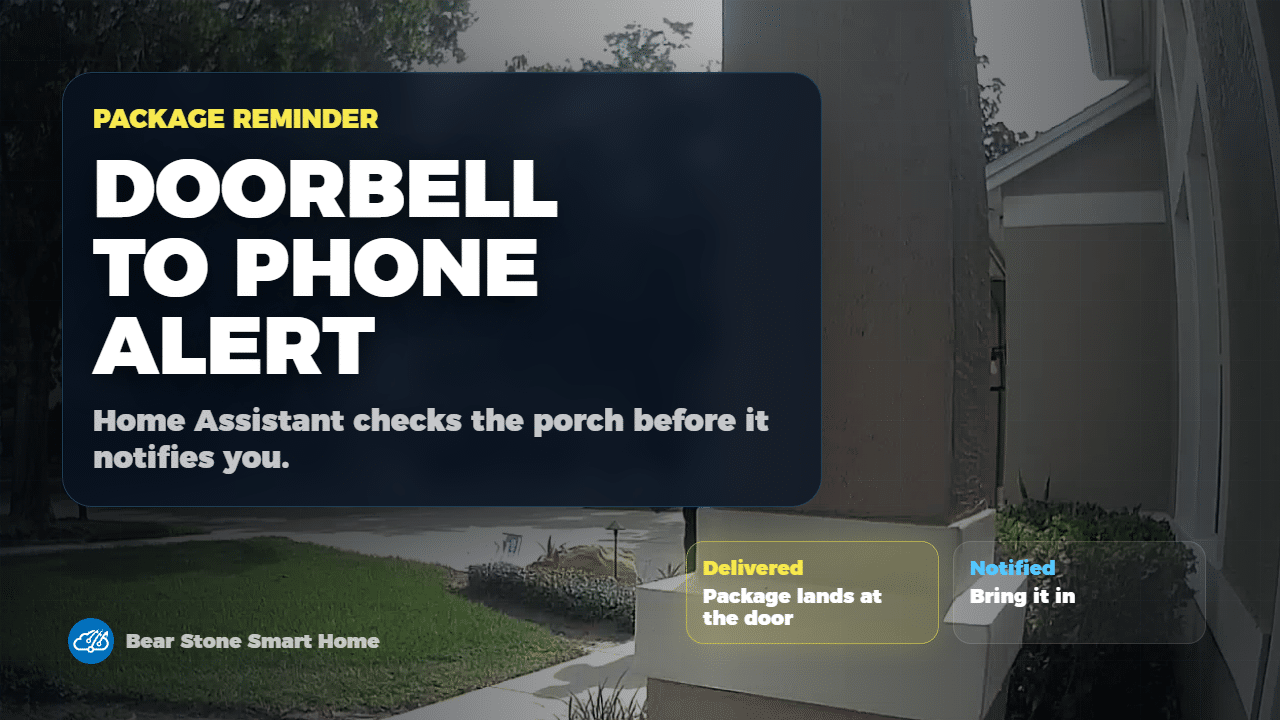
A package reminder is only useful when it is specific. I do not want another generic motion alert from the front door. I want Home Assistant to confirm that a package is sitting there, remember that state, and only then send the phone alert that tells us to bring it inside.
In this walkthrough, I show the package reminder flow I am using at Bear Stone. The automation starts from front-door activity, waits for the delivery moment to settle, asks LLM Vision to inspect the camera image, stores the result in Home Assistant, and clears the reminder after the package is likely picked up.
The Useful Pattern
The important part is not the camera, the doorbell, or even the model. The useful Home Assistant pattern is a three-step loop:
- Use a real-world event, like front-door person activity, to decide when a package check is worth running.
- Use LLM Vision to turn the camera frame into a clean Home Assistant state.
- Notify from that stored state instead of notifying directly from noisy camera motion.
That last step matters. Once Home Assistant has a package-present state, the reminder becomes normal automation logic. It can be rate-limited, checked from dashboards, used by other automations, and cleared when the package is gone.
Why I Wait Before Checking
The package check intentionally waits a few minutes after front-door person activity. That delay gives the delivery person time to leave and gives the camera a better chance of seeing the porch clearly. Without that wait, the model is more likely to inspect the wrong moment.
I also downscale and rate-limit the vision call. This is not just about cost. It keeps the automation from repeatedly asking the same question when the doorbell or camera produces several events close together.
The Phone Alert
The notification is deliberately boring: tell us there is a package, show enough context to trust the alert, and avoid turning every front-door event into a phone interruption. This follows the same practical-notification mindset I use in my Home Assistant notification snooze buttons workflow.
If you are adapting this, start with the state helper first. Make sure your package-present sensor is reliable before you spend time polishing the notification. A clean helper state is what makes the rest of the automation maintainable.
Pickup Reset
In my setup, the package reminder can clear after the front door is unlocked and relocked, because that is a strong signal that someone came inside after checking the porch. Your reset signal may be different. A contact sensor, lock event, driveway camera, or manual helper can all work as long as the signal means the package was likely handled.
The point is to clear the reminder from a physical action instead of making the phone alert a dead end. Once the package state resets, the next delivery can use the same loop cleanly.
YAML To Start From
You can browse the current implementation in my Home Assistant LLM Vision package. Treat it as a working pattern, not a drop-in file. Your camera entity, delivery trigger, notification target, lock behavior, and model settings will be different.
If you already use Home Assistant mobile notifications, this pairs naturally with actionable notification ideas, but I would still build the state machine first and add notification buttons later.
Watch The Full Walkthrough
The video shows the complete flow: the delivery moment, the LLM Vision prompt, helper state, guardrails, phone alert, and pickup reset.
Open the video on YouTube and use the YAML link above when you are ready to adapt the pattern to your own porch, camera, and delivery routine.
Tags: Home Assistant, LLM Vision, Frigate, package detection, video doorbell, Home Assistant notifications, Home Assistant YAML, AI home automation, Bear Stone Smart Home, vCloudInfo