Home Assistant notifications are powerful, but repeated reminders can turn into background noise fast. In the new video, I walk through the snooze button automation I use to keep useful alerts alive without letting them bother the family every time the same condition is still true.
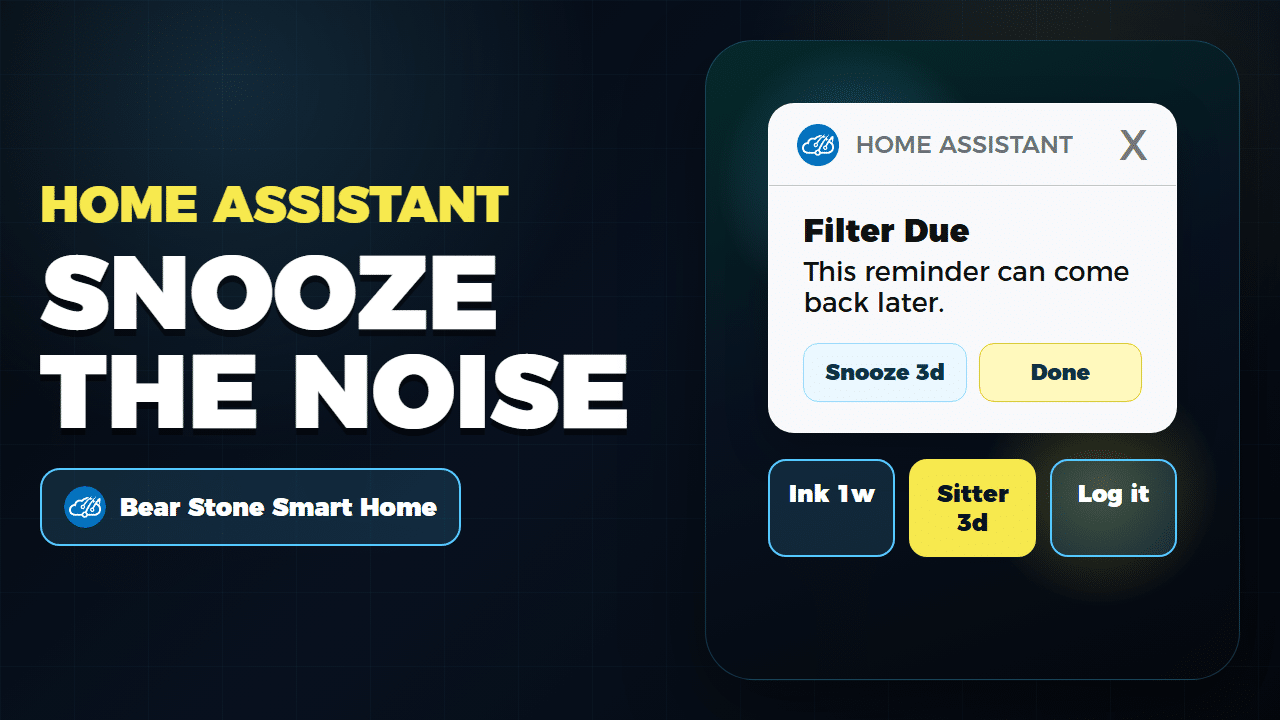
This post is the companion guide for the video. The video shows the flow, the real alert examples, and the YAML proof on screen. Here, I want to spell out the pattern so you can adapt it to your own reminders.
The problem: alerts need memory
A normal notification only knows that something is wrong right now. That works for urgent problems, but it is a bad fit for routine maintenance. If the AC filter is due, the printer ink is low, or Vacation Mode thinks a sitter visit was missed, I may want the reminder later without turning the automation off forever.
The trick is to give the automation a small amount of memory: an input_datetime helper that stores the next time the alert is allowed to bother me again.
The reusable snooze structure
- Detect the real condition that should create the alert.
- Check whether the current time is past the snooze-until helper.
- Send a Home Assistant mobile app notification with one or more action buttons.
- Handle the
mobile_app_notification_actionevent and update the helper. - Clear or reset the helper when the real-world problem is fixed.
That last step matters. A snooze should delay the reminder, not become a hidden permanent mute.
Where I use it now
The video uses three examples from my live configuration:
- AC filter reminders in climate.yaml: when runtime passes the filter threshold, the phone notification can snooze the reminder for three days or mark the filter changed.
- Printer ink reminders in printer.yaml: low ink can be snoozed for one day or one week, which matches how I actually buy replacement cartridges.
- Vacation Mode missed-visit checks in vacation_mode.yaml: if the house-sitter workflow needs attention, I can delay the alert for two or three days, and the automation clears the snooze when the sitter arrives or Vacation Mode ends.
The same idea also fits water filters, trash reminders, appliance maintenance, robot vacuum errors, and anything else where “tell me again later” is more useful than “never tell me again.”
What I would not snooze
I would not use this pattern for true safety alerts. Leaks, smoke, security alarms, and active intrusion signals should stay loud until the condition is handled. Snooze buttons are best for maintenance and operational reminders where a short delay is reasonable.
Implementation notes
If you are building this from scratch, start with one reminder. Add the helper, add the snooze condition, then add one mobile action. Once that is working, expand to multiple durations or a reset action.
I also recommend logging the snooze action somewhere visible, even if it is only the Home Assistant logbook. When an alert goes quiet for a few days, it should be easy to see why.
If you want a deeper primer on the Home Assistant mobile action format, the older actionable notifications write-up and the remote finder video are good follow-ups. This video is focused on the snooze pattern itself.
Watch the walkthrough
The short video below shows the flow end to end, including the AC filter, printer ink, and Vacation Mode examples on screen.