

Codex Tray: Monitor OpenAI Codex Usage on Windows
Codex Tray puts weekly Codex usage, reset timing, reset credits, token totals, and reset alerts in the Windows notification area.
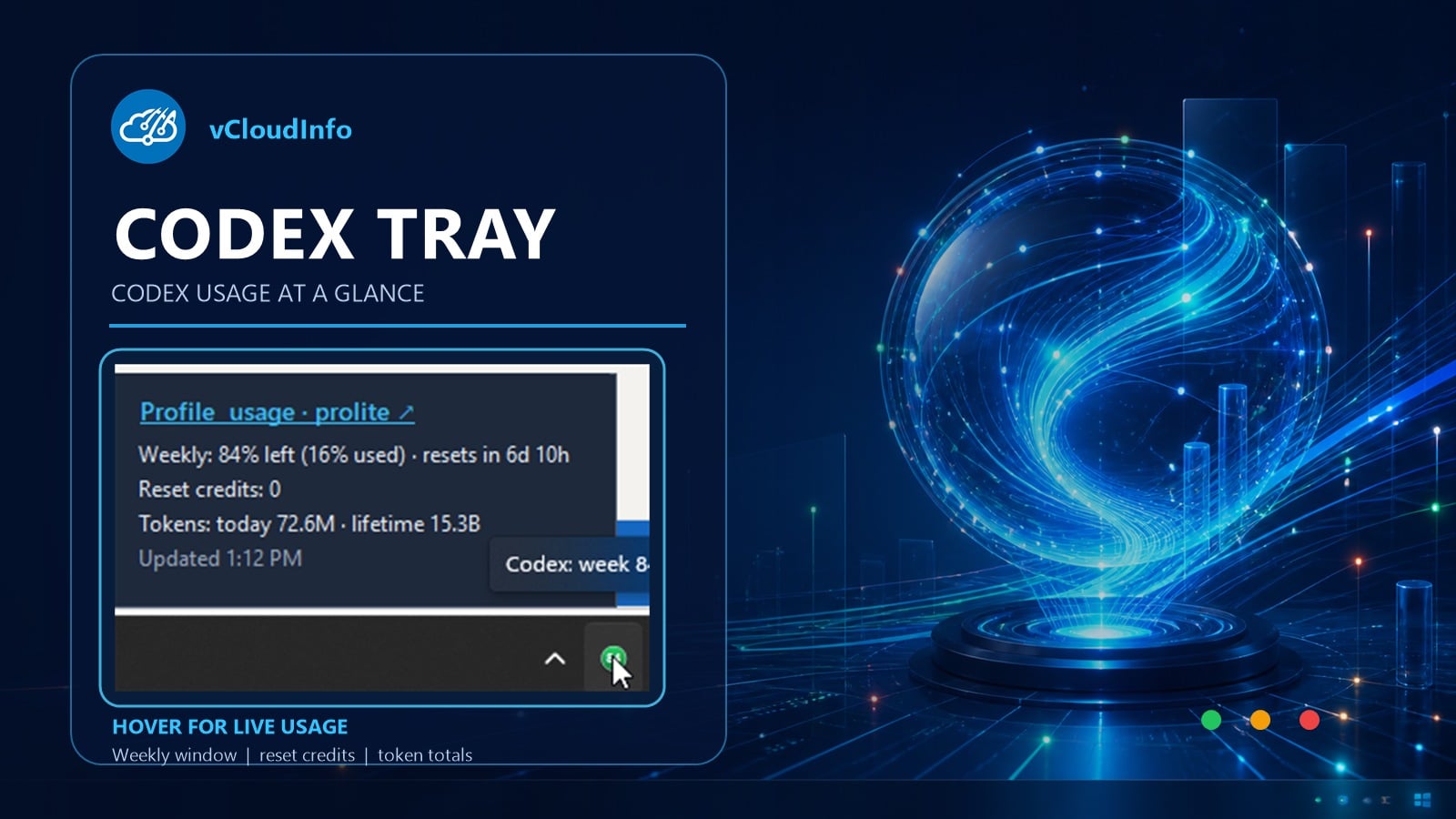
I wanted my Codex usage limits where I could see them without opening another dashboard. Codex Tray adds a small monitor to the Windows notification area and reads the usage data from the local Codex app.
The project is open source at github.com/CCOSTAN/CodexTray. It runs as a self-contained .NET application and starts with Windows under the current user.
Codex usage at a glance
Hover over the tray icon to see the weekly window, used and remaining capacity, the next reset, reset credits, token totals, and the last refresh time. The profile link opens the official Codex usage page. Right-click opens the menu; left-click has no action.
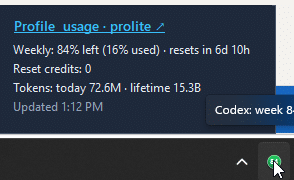
- Green: more than 50 percent remains.
- Amber: 21 through 50 percent remains.
- Red: 20 percent or less remains.
- Lock aware: polling pauses while Windows is locked and resumes after unlock.
Weekly reset notifications
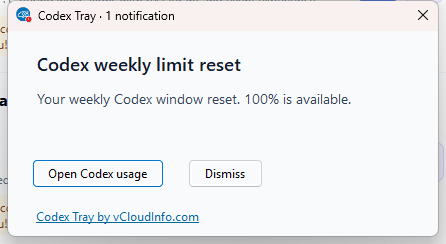
Codex Tray remembers the last usage snapshot. A weekly reset or a new reset credit opens a Windows notification and a taskbar window with a red 1 badge, so the new capacity does not disappear into a background refresh.
The local trust model
Codex Tray uses OpenAI’s documented Codex app-server protocol. The app asks the local Codex process for rate-limit data. It does not read .codex/auth.json, handle OAuth or API tokens, or send its own requests to OpenAI.
The app stores the last reset timestamp, weekly usage, and reset-credit count in the current user’s local application-data folder. It has no updater and no third-party NuGet dependencies.
Build Codex Tray
The repository includes the application, verification checks, screenshots, and build commands. Windows may show an unknown-publisher warning because the executable is not code-signed. You can review the source and build it on your machine.
Watch Codex Tray in action
This quick walkthrough shows the live hover panel, the green, amber, and red capacity states, weekly reset alerts, and the local trust model.
Codex Tray is an unofficial community project and is not affiliated with OpenAI.