

Track Codex Resets in Home Assistant Before They Expire
Codex reset credits can expire quietly. This Home Assistant automation tracks reset-credit JSON, renders dashboard expiry cards, and keeps a Repair alive until the expiring reset clears.
If you use Codex every day, reset credits are easy to miss until one is already close to expiring. I built a small Home Assistant automation that watches reset-credit JSON, turns it into sensors, displays the expiration window, and raises a Repair when a reset is inside the 7-day window.
Why this matters for Codex users
Codex reset credits don’t feel like a normal device battery. They come and go based on usage windows, and a plain expiration timestamp isn’t useful unless it’s visible where you already watch operational health. Home Assistant is a good fit because it can poll the source, normalize the values, render the dashboard, and keep a Repair alive until the risk clears.
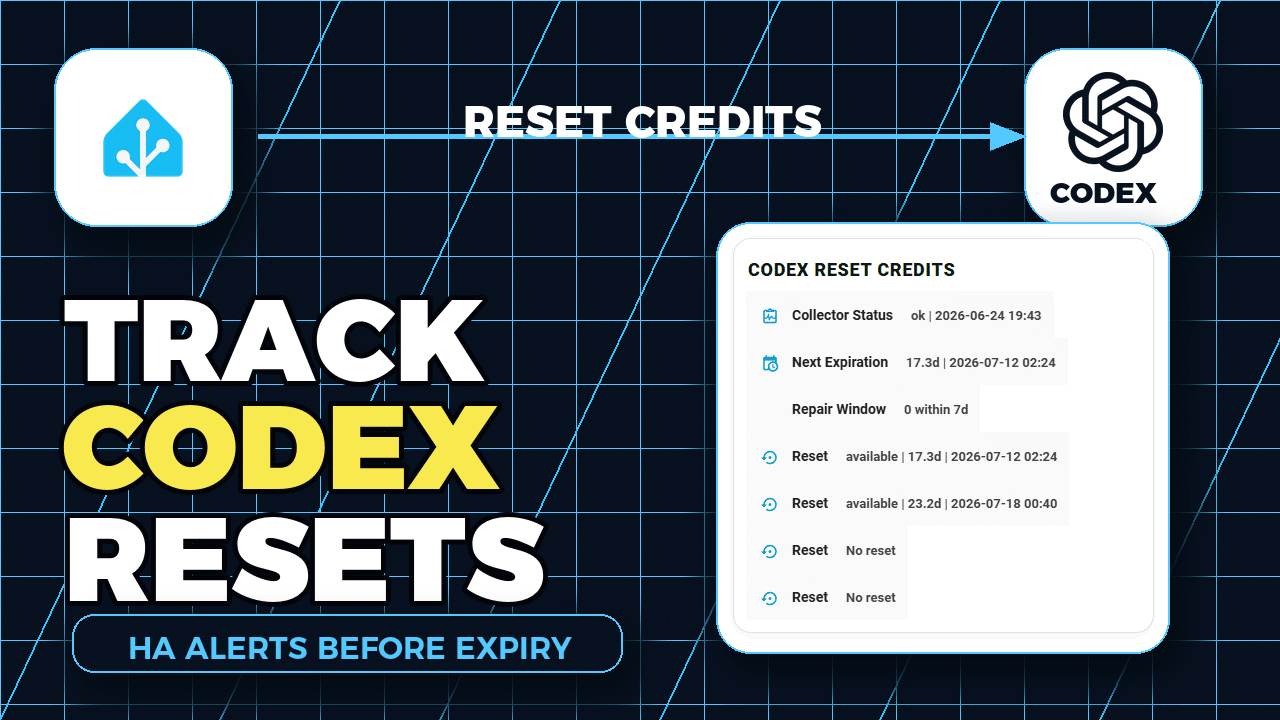
The automation flow
- Source: a reset-credit collector publishes a compact JSON status snapshot.
- Ingest: Home Assistant reads that snapshot with a REST sensor.
- Normalize: template sensors expose collector status, next expiration, reset slots, and the 7-day window count.
- Display: the Infrastructure dashboard shows the reset state and expiration dates in a scan-friendly card.
- Escalate: a Home Assistant Repair is created when a reset is within 7 days and removed only after a fresh snapshot says that reset is gone.
Dashboard proof
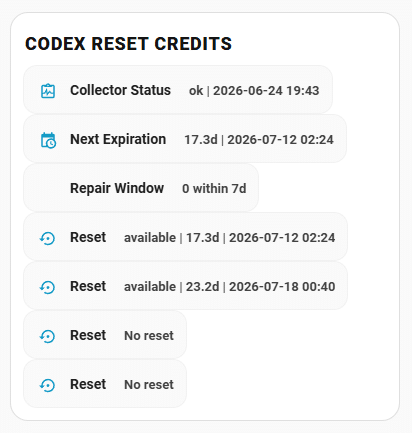
The dashboard card shows collector health, the next expiration, the 7-day Repair window, and each reset slot. That makes the answer visible beside the rest of my infrastructure health instead of buried in a terminal command.
Source code and repos
- MacSteini/Codex-Usage is the reset-credit CLI reference I used for the source data idea.
- Home-AssistantConfig is the public Home Assistant repo.
- Issue #1797 tracks the implementation request.
- config/packages/bearclaw.yaml contains the REST/template sensor and Repair automation pieces.
- config/dashboards/infrastructure contains the Infrastructure dashboard view used in the video.
- Home Assistant REST sensor docs cover the polling integration this automation builds on.
The copyable automation is simple: JSON status endpoint to Home Assistant REST sensor, template sensors, dashboard card, then a Repair that clears only after a successful fresh snapshot. You don’t need my private endpoint; swap in your own collector and keep the entity names boring.
Watch the full walkthrough on YouTube: Track Codex Resets in Home Assistant Before They Expire.