

Water Softener Salt, Tracked By Home Assistant
Track water softener salt in Home Assistant with one webhook, validation guards, helper state, template sensors, dashboard history, and follow-up automations.
I added a Home Assistant automation for a chore that used to depend on memory: water softener salt.
Use the softener as the small example. Home Assistant receives one webhook, cleans the payload, rejects bad input, ignores duplicate event IDs, stores helper state, builds template sensors, and turns that state into dashboard history.
One webhook, several trigger options
The automation starts with a Home Assistant webhook. That webhook can come from an agent, an NFC tag on the softener, a QR code, a phone shortcut, a dashboard button, or another system. The trigger can change without changing the Home Assistant logic behind it.
For a fixed NFC or QR workflow, the payload fields can stay structured: item, action, amount, event ID, timestamp, and note. For an agent workflow, the agent fills those same fields from natural language. Home Assistant still receives the same contract.
The YAML protects the history
The package accepts normal household wording for the item name. I can say water softener salt, softener salt, water softener, softener, salt, or even the typo softner. The automation maps those values to the same internal maintenance item.
The guardrails matter because webhooks retry and phones can send the same action twice. The automation checks unsupported items, invalid amounts, and duplicate event IDs before it writes state. That keeps an accidental retry from adding another 80 pounds to the long-term total.
For my setup, a normal refill means two 40-pound bags. The automation stores add, top off, and refill actions as 80 pounds unless the payload sends a useful amount. The input stays fast while the stored history stays usable.
Helpers store state, sensors make it useful
The package writes helper state for the last refill amount, total pounds added, refill count, last timestamp, last note, recent event IDs, and recent event history.
Template sensors turn that helper state into entities you can use in dashboards and automations:
sensor.water_softener_salt_days_since_last_addsensor.water_softener_salt_last_summarysensor.water_softener_salt_average_days_between_refillssensor.water_softener_salt_refill_countsensor.water_softener_salt_total_added
You can use those sensors for better follow-up automations. Remind yourself when the refill window runs long, use the average-days sensor as a dynamic threshold, confirm that a scan changed the refill count, or feed the total-pounds sensor into a shopping estimate.
Use dashboard history to spot trends
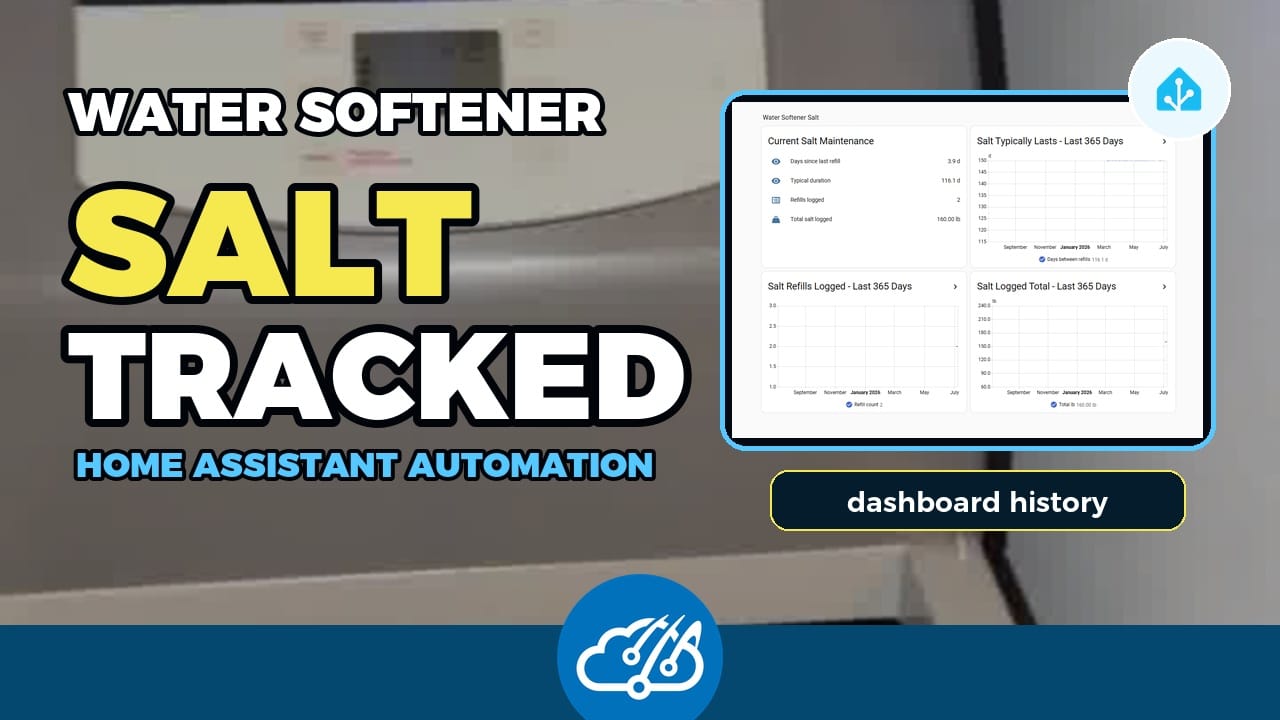
The Water dashboard shows the last salt refill and summary. The Salt Trends subview shows 365-day history cards for typical duration, refill count, and total salt logged.
The Activity Feed gets one clean Maintenance event. The helper writes stay out of the visible logbook, so the dashboard gives me the summary without a wall of internal state changes.
Files to copy from the repo
The main implementation lives in the maintenance package:
Copy the structure, then change the maintenance item, helper names, and dashboard cards for your house. The same flow works for HVAC filters, fridge filters, generator service, pool chemicals, water delivery, or smoke detector batteries.
Watch the automation walkthrough
The video walks through the YAML highlights, dashboard views, source docs, and sensor-driven automation ideas.