Most Marketplace listings start with several photos and a round of typing. This one started with a single phone photo of a boxed queen box spring and one Codex prompt.
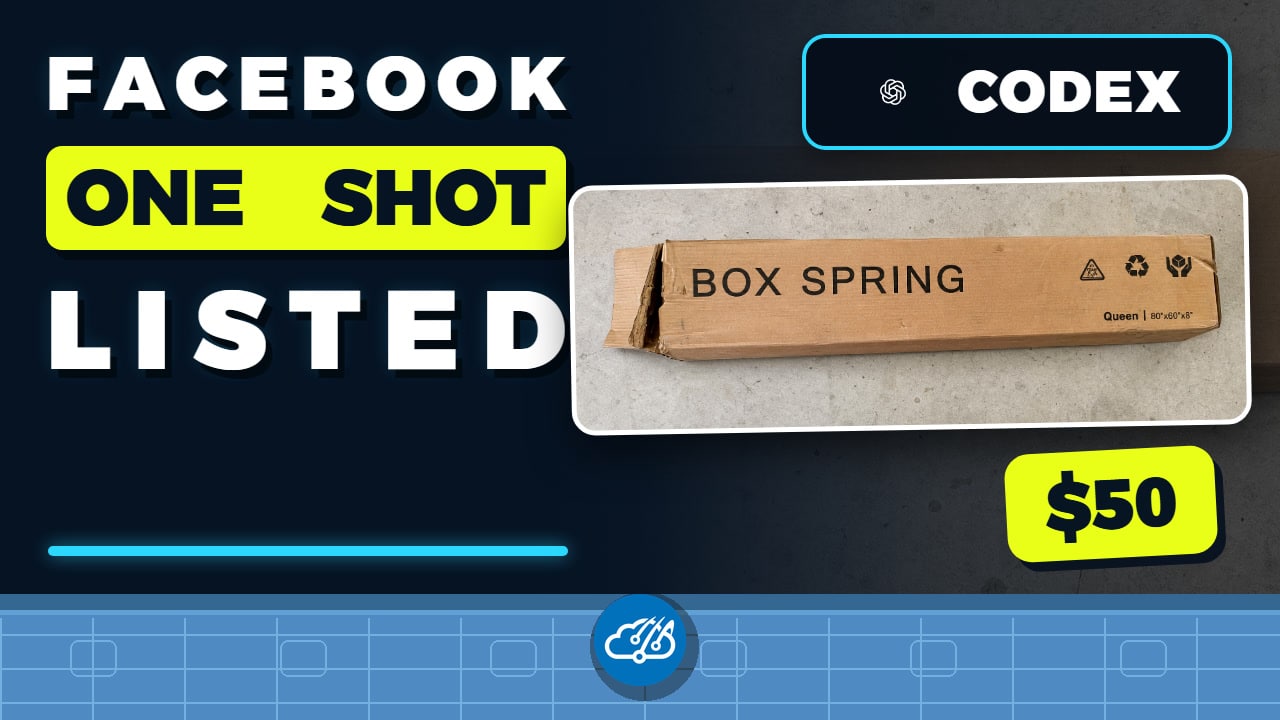
I asked Codex to research comparable prices, improve the product photo, write an honest pickup-only listing, use a browser connector to work through Facebook Marketplace, update the GitHub issue that started the experiment, and report the result. The video below shows the whole workflow in about a minute.
The useful part was not a clever description. Codex kept the research, image work, browser steps, listing details, and public project record in one task while I controlled the account and the final review.
The browser connection made the workflow possible
Codex used the Microsoft Edge browser connector because that was the available browser session. Facebook was already signed in. I did not put a password, cookie, or account secret in the prompt.
That distinction matters. A prompt does not grant access to a website. The browser connector let Codex navigate the signed-in session that I had already opened. Facebook’s normal account controls still applied, and I could inspect the listing before publication.
Codex researched the price before writing the listing
The initial photo revealed the product type, size, packaging, and visible condition. Codex then checked comparable local listings around $20, $35, and $40.
It recommended a $50 asking price because this box spring was unused, still in the box, compact enough for straightforward pickup and transport, and only needed assembly. The listing also kept the important constraint from my prompt: local pickup only, with no shipping.
That research gave the description a concrete basis. Codex did not pick a round number and invent a reason later.
The cleaned image still showed the real item
The original photo included a large patch of garage floor and an awkward angle. Codex corrected the presentation, brought the full box into frame, and made the product easier to recognize at Marketplace thumbnail size.
The edit kept the visible packaging wear. A better product image should improve framing and clarity without hiding defects or changing what the buyer will receive.
I kept a review gate before publication
Before the final action, I checked the title, price, condition, pickup terms, photo, and any account or location fields visible on screen. After that review, Codex submitted the listing through the signed-in browser session and linked the completed work back to the original GitHub issue.
The public video uses crops and blur wherever the browser could reveal seller, account, or location details. It also omits the live Marketplace URL. The workflow is public; the private listing data is not.
A reusable one-photo listing workflow
- Start with a real photo and state the condition honestly.
- Define pickup, shipping, price, and approval constraints in the prompt.
- Let Codex research comparable listings before it recommends a price.
- Improve framing and readability without erasing visible wear.
- Review account, location, price, and product details before publication.
- Save a public-safe summary so the work can teach the next project.
The idea started in Home AssistantConfig issue #1862. You can browse the Home AssistantConfig repository and its issue history for more practical Codex and smart-home workflow ideas.
I used a similar evidence-first approach when I asked Codex to clean up Home Assistant entities. In both cases, the strongest result came from giving Codex a clear goal, access to the right interface, and a deliberate review point.
Watch the complete walkthrough
The full video shows the original photo and prompt, the Edge connector in the signed-in Facebook session, the pricing research, the cleaned image, the final listing, and the GitHub closeout.