

Scan the Panel: QR-Powered Breaker Notes
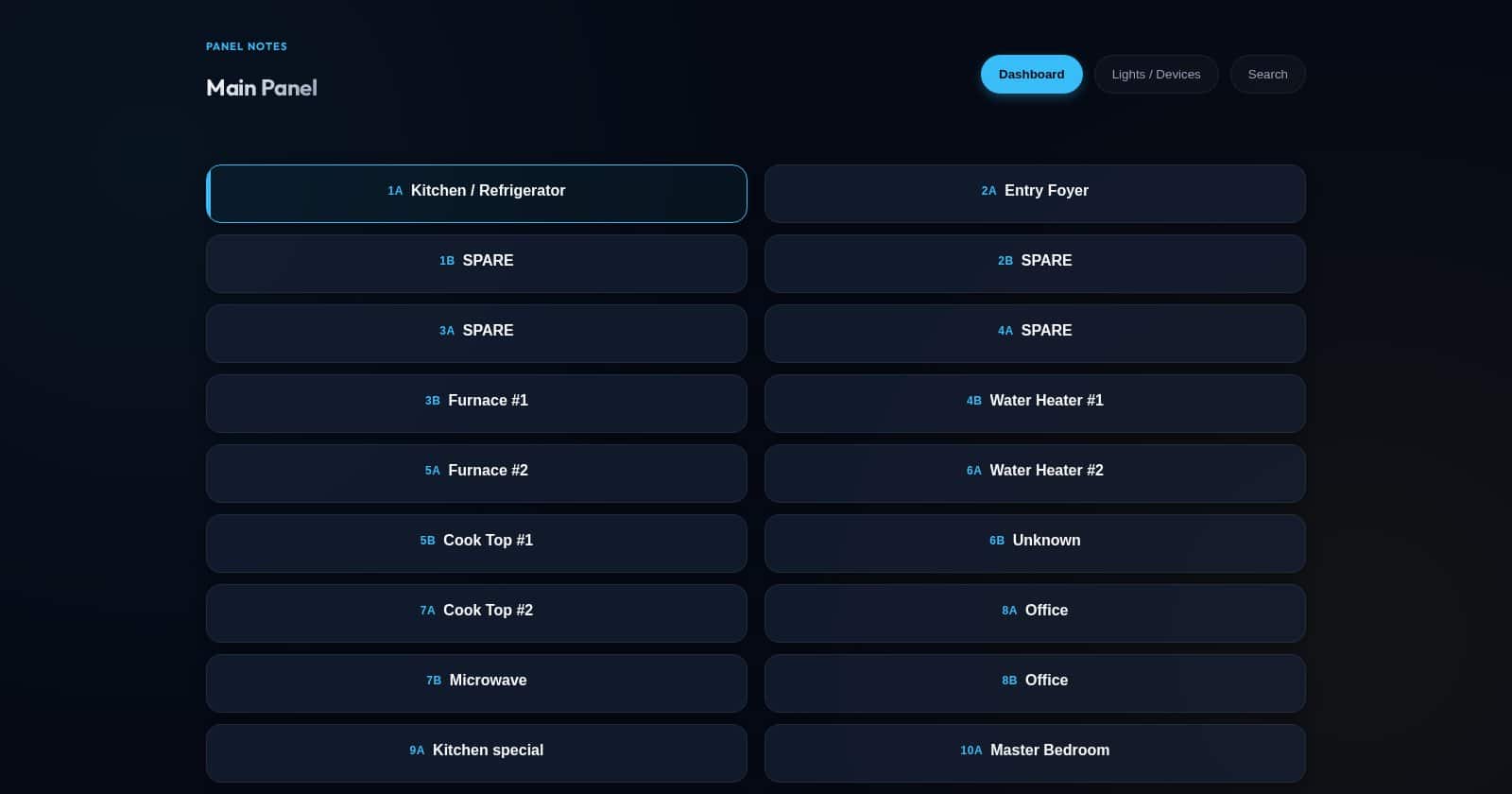
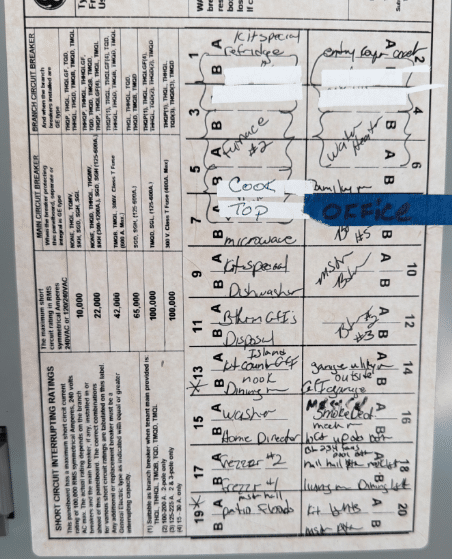
Breaker panels are the perfect example of “small problem, huge pain.” Labels drift over time, additions get scribbled in, and the panel turns into a guessing game.
The goal: make breaker labels scannable and maintainable so updates happen once, in one place, and everyone benefits.
The idea: QR-powered breaker notes
Each breaker gets a QR code that points to a note for that circuit. Scan it and you get the latest context: what it feeds, weird couplings, and when it was last verified. When something changes, you update the note — not the sticker.
- Fast: scan → see what’s on that breaker.
- Shared knowledge: anyone can update notes when they learn something.
- Less stress: outages and troubleshooting are calmer when the panel is trustworthy.
- Future-proof: the URL stays stable; the content evolves.
How this got built (vibe coding, but practical)
This started as a simple tracking ticket in my Home Assistant config repo: Issue #1547 – Set up Circuit Panel app. That issue became the source of truth for the work: screenshots, requirements, and the next improvements.
The part that still blows my mind: I could describe the problem and rapidly iterate on a real working web app with the help of my Codex environment. Not just code generation — but a loop of idea → build → check → refine until it was genuinely usable.
What Codex helped with
- Designing the note model (what fields matter, what stays optional).
- Getting a mobile-friendly UI that feels fast to use.
- Turning “rough idea” into a running service on my homelab.
- Writing the blog draft and producing real screenshots for documentation.
What I’m improving next
- Poll Home Assistant for devices/entities to make linking circuits easier (not manual typing).
- Make QR label generation dead simple (consistent sizing and layout).
- Add a quick “last verified” flow so notes stay honest.
What to include in each circuit note
| Field | Example |
|---|---|
| Label | Kitchen outlets (north wall) |
| Feeds | Rooms/outlets/lights list |
| Couplings | Also powers garage fridge outlet via shared GFCI |
| Breaker size | 15A / 20A / 2-pole |
| Last verified | Date + who tested it |
Next steps
- Print durable labels and start with the circuits you touch most.
- Keep the URL stable forever; only change the content.
- Back up the notes so the QR links always lead somewhere.
Status: still a draft as I refine the workflow and decide what (if anything) should be exposed beyond the LAN.