

All the Home Assistant Vacuum Automations We Use in Our Smart Home
How I use Home Assistant to turn a Dreame L10s Ultra into an away-aware, room-queued, Alexa-friendly, rescue-notification vacuum workflow.
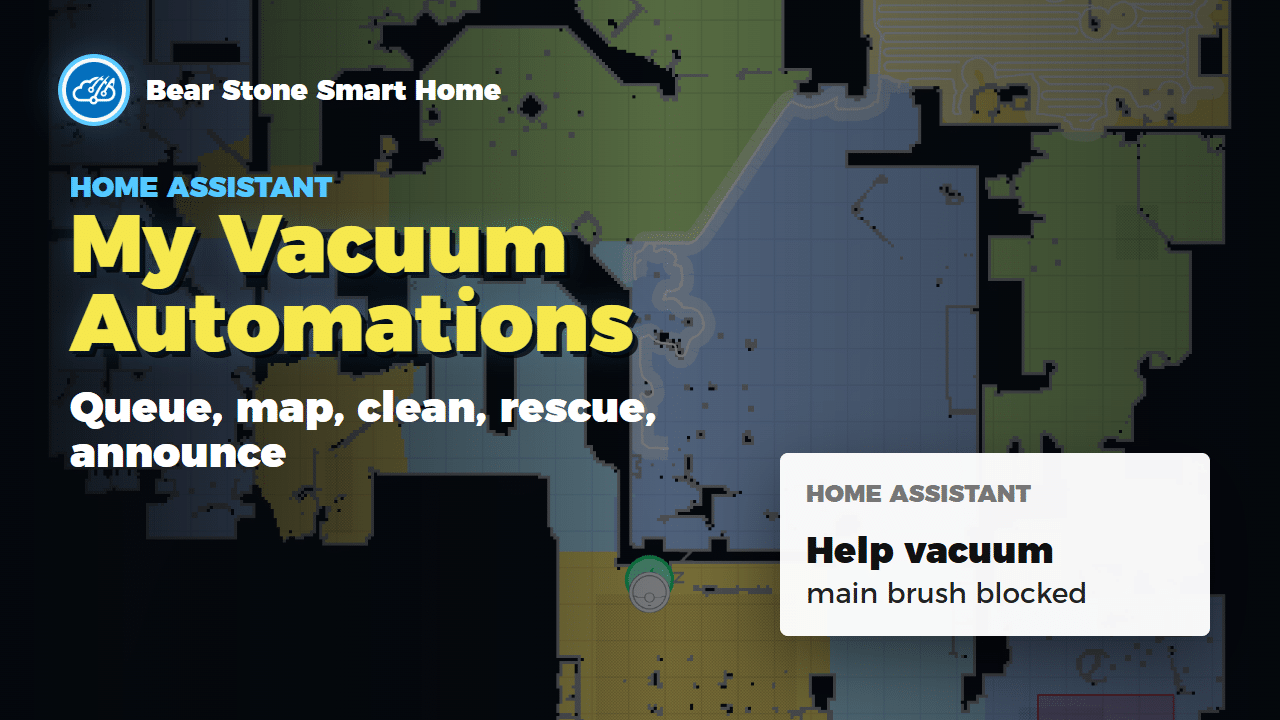
Robot vacuums are useful on their own, but they get much more interesting when Home Assistant understands the house around them. In the new video, I walk through the vacuum workflow we are using now: away-only cleaning, room queues, sweep and mop phases, Alexa-triggered one-off room cleaning, dashboard tracking, and a rescue flow for when the robot gets stuck.
The point is not the vacuum card
The most useful part of this setup is not a Lovelace card or a pretty map. The useful part is the household context around the vacuum. Home Assistant knows whether the family is away, which room is currently being cleaned, which phase is running, what rooms are still queued, and who should be notified if something goes wrong.
This is the same reason I moved earlier vacuum logic out of the vendor app years ago in my older Home Assistant Neato vacuum automation post. The robot is the device, but Home Assistant is the system that understands the house.
What Home Assistant tracks
- Whether the family is home or away.
- The current vacuum phase: sweep main rooms, sweep bathrooms, mop main rooms, or mop bathrooms.
- A room queue built from Dreame segment IDs.
- The current room and the rooms cleaned today.
- One-off room-clean helpers for Alexa and dashboard buttons.
- Errors, map snapshots, locate commands, and repeat reminders when the robot needs help.
The full YAML package is here: config/packages/vacuum.yaml. The exact entity IDs are mine, but the pattern is portable if your vacuum integration exposes enough state and services.
Away-only cleaning
The first rule is simple: do not run the vacuum while people are home unless I explicitly ask for it. When the family group changes to away, Home Assistant turns on an on-demand cleaning helper and starts the next room in the queue. When everyone returns, the robot pauses and docks.
There is also a short-away guard, so a quick walk outside does not instantly interrupt a cleaning run. That same presence-first thinking shows up in the Vacation Mode automation: Home Assistant should react to durable household state, not every tiny sensor blip.
Room queues instead of blind schedules
The second rule is to clean like a house, not like a timer. The package keeps a room catalog and a queue. Rooms are stored as segment IDs from the Dreame map, but the dashboard and notifications use friendly names.
When the current room sensor stays in a room long enough, Home Assistant treats that room as cleaned, removes it from the queue, and adds the friendly room name to the cleaned-today list. This makes the dashboard useful after the fact: it can tell me what happened, not just that the vacuum was busy.
input_text.l10s_vacuum_room_catalog
input_text.l10s_vacuum_room_queue
input_text.l10s_vacuum_rooms_cleaned_today
input_select.l10s_vacuum_phase
Alexa on-demand room cleaning
The Alexa part is intentionally boring. Alexa flips a matching Home Assistant helper, like Kitchen Clean or Living Room Clean. Home Assistant still owns the logic: it checks that the robot is docked or idle, maps the helper to the right segment ID, sets the cleaning mode and fan speed, then sends the native Dreame segment-clean command.
The important detail is that one-off room cleaning does not corrupt the main away-cleaning queue. That makes the voice command useful without breaking the larger automation.
Rescue mode is where it gets fun
When the vacuum reports an error, Home Assistant does more than send a generic notification. It creates a Repair issue, logs the room and phase, sends a phone notification with the map snapshot, asks the robot to locate itself, and announces the problem through Joanna. If nobody helps, it loops and asks again later.
That is the pattern I want to reuse more often: make the failure visible, include enough context to act, and keep following up until the house returns to a good state.
A fun mileage check
At the time of recording, the vacuum had logged 651 cleanings and 47,664 square meters cleaned. That is roughly 513,000 square feet, or about nine regulation football fields. Tiny robot, a lot of mileage.
Start with the pattern
If you want to build your own version, do not start by copying my room IDs. Start with the pattern: helpers for policy, a queue for what remains, presence detection for when the robot should run, native vacuum services for clean/dock/locate/error handling, and notifications that include a map or enough context to act.
If you are using Codex, Claude, or another agent to help with Home Assistant, point it at the video and the GitHub package. The video explains the intent, the YAML shows the implementation pattern, and your Home Assistant instance supplies the real entities.
Watch the full walkthrough
The article gives you the structure and implementation notes. The video shows how the dashboard, room queue, Alexa flow, and rescue notifications actually come together on screen.