

Tesla Powerwall Stopped Charging: Home Assistant Watchdog
A Home Assistant watchdog for a Tesla Powerwall that stopped charging before Hurricane Milton: outage visibility, load shedding, charging alerts, and safe recovery.
A Tesla Powerwall is easy to trust once it has been quiet for a while. The catch is that quiet failures are exactly the kind that matter during storm season.
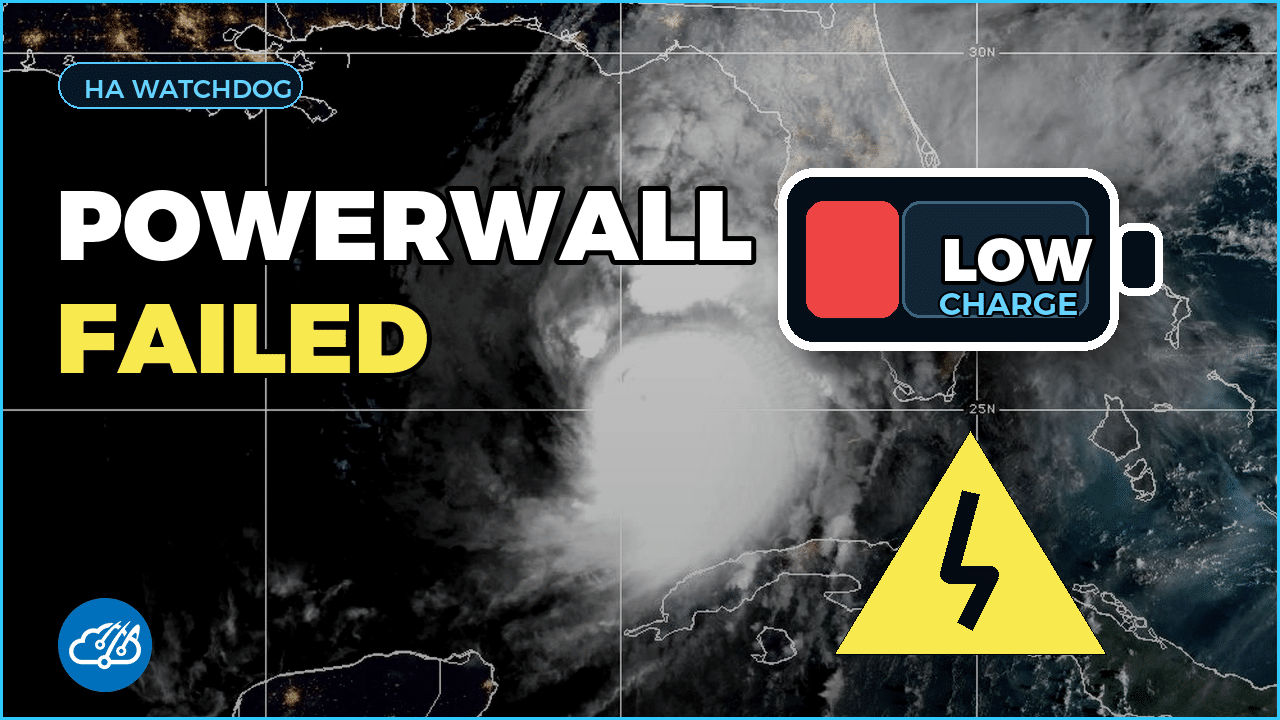
This build came from a real failure documented in GitHub issue #1490. Before Hurricane Milton, my Powerwall stopped charging and discharging. The Tesla app still existed, the solar system still existed, and nothing was screaming loudly enough to make the failure obvious until I needed the backup system to be trustworthy.
The fix was not one giant automation. I broke the problem into layers that Home Assistant can watch continuously: outage visibility, load shedding, charging watchdog alerts, and guarded recovery after the grid returns.
Make the outage visible first
The first layer is simple status awareness. When the Powerwall reports backup behavior, Home Assistant turns that into something the house can react to. That means dashboard state, logbook entries, and notifications are driven by the same condition instead of relying on a person to keep checking an app.
This is the same reason I like building energy automations on top of clear Home Assistant sensors. The Home Assistant Energy Dashboard is great for long-term awareness, but outage behavior needs shorter feedback loops.
Use Outage Mode for load shedding
Once the house knows it is running from battery, the next layer is preservation. Outage Mode lets Home Assistant pause or reduce nonessential loads while the Powerwall is doing backup duty.
The YAML pattern is intentionally plain: trigger on outage state, check the battery level, and then call the scripts that reduce demand. The goal is not to make the house dark. The goal is to stretch backup time by shutting down the things that do not matter during an outage.
trigger:
  - platform: state
    entity_id: binary_sensor.powerwall_grid_status
    to: "off"

condition:
  - condition: numeric_state
    entity_id: sensor.powerwall_charge
    below: 75

action:
  - service: script.powerwall_outage_mode
Watch for a Powerwall that is not charging
The failure in issue #1490 was more subtle than a normal outage. The system was present, but the battery was not behaving correctly. That is why the watchdog looks for the recovery case too: grid power is back, the battery is still low, and the Powerwall is not charging after a reasonable delay.
That combination is the signal I care about. A low battery during an outage is expected. A low battery that refuses to charge after the grid returns deserves a notification and a GitHub issue trail so the failure does not disappear into the background.
condition:
  - condition: state
    entity_id: binary_sensor.grid_power
    state: "on"
  - condition: numeric_state
    entity_id: sensor.powerwall_charge
    below: 25
  - condition: state
    entity_id: binary_sensor.powerwall_charging
    state: "off"
Recover slowly and safely
The final layer is recovery. When the grid returns, Home Assistant waits for stability before undoing outage behavior. That avoids the worst version of a recovery automation: turning everything back on during a flicker, only to immediately shed load again.
You can copy the same pattern for other backup systems. Start with a reliable status sensor, make the condition visible, reduce load only when needed, alert on impossible or suspicious states, and recover after the system proves it is stable.
Links from the build
- Powerwall package in my Home Assistant config
- Original GitHub issue that triggered the watchdog work
- Home Assistant Tesla Powerwall integration
- Why I added a UPS to the Powerwall setup
Watch the walkthrough
The video version shows the failure story, the outage visuals, and the YAML breakdowns together.