
Bear Stone Smart Home
Start with an automation.
A camera screen on the wall. Floors cleaned while we are out. Sprinklers that skip the rain. This is the hardware behind the automations I share, with the code, walkthroughs and buying notes together.
Affiliate disclosure: Amazon buttons below are paid links. As an Amazon Associate I earn from qualifying purchases. Full disclosure.
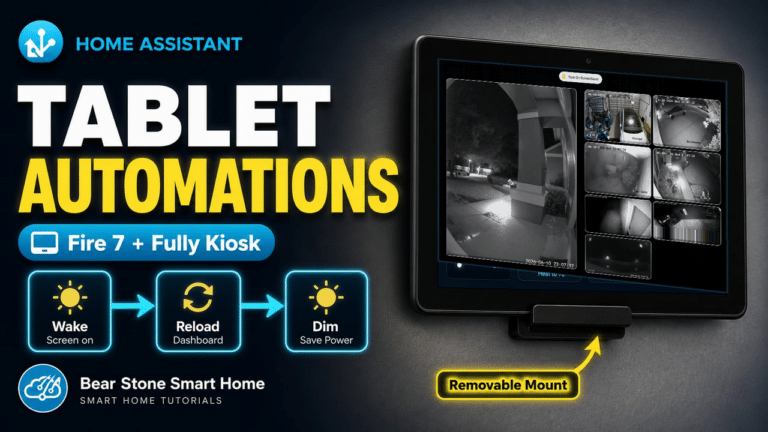
Amazon Fire Tablet Wall Kiosk
Amazon
View TabletA low-cost wall dashboard for camera feeds, room status, and quick Home Assistant control.
Watch: Fire tablet camera kiosk Read the walkthrough →Why this gear / tradeoffs
Why I Use It
This is the dedicated bedroom camera screen with Fully Kiosk recovery, bedtime dimming, and a focused dashboard instead of a general-purpose tablet home screen.
Pros
- Affordable always-on display
- Works well with Fully Kiosk watchdog and reload settings
- Good fit for a focused Home Assistant dashboard
Cons
- Needs reliable wall power
- Older tablet hardware can struggle with heavy dashboards
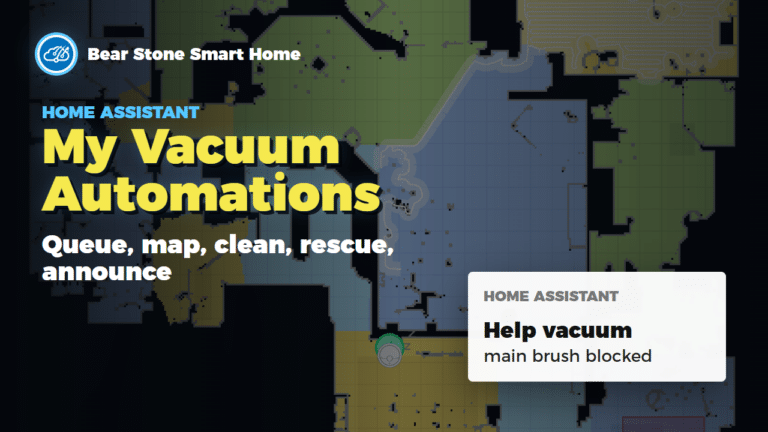
Dreame Vacuum
Dreame
View VacuumDreame L10s Ultra room queues, sweep / mop phases, family-return cancellation and rescue alerts.
Watch: vacuum automations Read the walkthrough →Why this gear / tradeoffs
Why I Use It
Home Assistant starts the room queue while we are away, tracks sweep and mop phases, and sends the robot home when the family returns.
Pros
- Reliable cleaning
- App + HA controls
- Quiet enough for night runs
Cons
- Consumables to replace
- Mapping can drift after moves

Rachio Sprinkler Controller
Rachio
View ControllerWeather-aware irrigation that respects rain delays and seasons.
Watch: Rachio sprinkler automations Read the walkthrough →Why this gear / tradeoffs
Why I Use It
Lets HA skip watering when the forecast or sensors say we are covered.
Pros
- Strong weather intelligence
- Easy zone mapping
- HA service hooks
Cons
- Cloud account required
- Outdoor enclosure may be needed
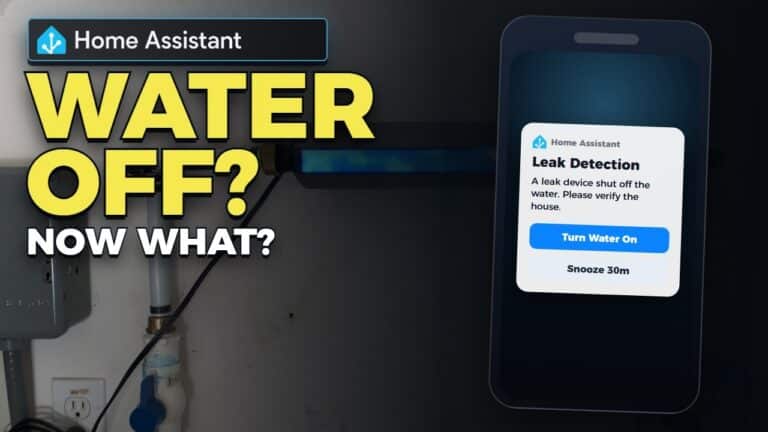
Phyn Plus Water Shutoff
Phyn
View ShutoffInline leak detection with automatic shutoff and HA-driven alerts.
Watch: leak detection automations Read the walkthrough →Why this gear / tradeoffs
Why I Use It
Protects the house from leaks and gives HA a direct shutoff control path.
Pros
- Accurate flow detection
- API hooks for HA automations
- Automatic shutoff
Cons
- Professional install recommended
- Needs Wi-Fi near the main
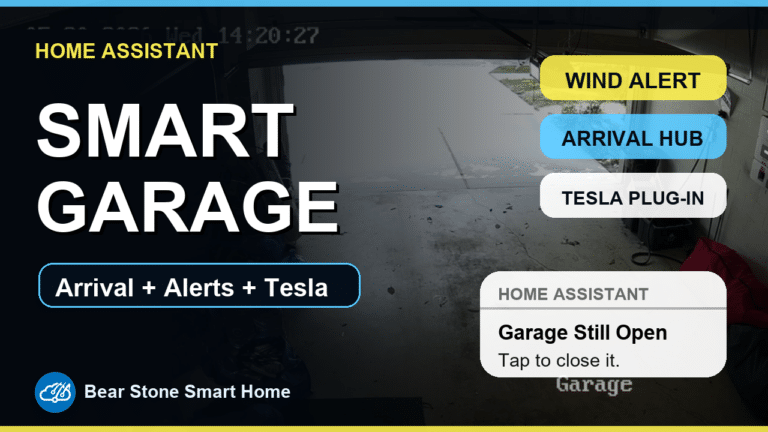
Garadget Garage Door Controller
Garadget
View ControllerGarage-door control and status through MQTT, with arrival helpers, camera views and nighttime reminders.
Watch: garage automations Read the walkthrough →Why this gear / tradeoffs
Why I Use It
The garage package combines MQTT cover control with arrival routines, entry lighting and reminders when a door is left open.
Pros
- Simple install
- HA-friendly API
- Good alerting on obstructions
Cons
- Needs reliable Wi-Fi in the garage
- Opener compatibility and MQTT firmware need checking
Tesla Powerwall 2
Tesla
Powerwall at TeslaBattery backup feeding HA load-shed automations and outage alerts.
Watch: Powerwall charging watchdog Read the walkthrough →Why this gear / tradeoffs
Why I Use It
Keeps the house up during outages and lets HA prioritize critical loads.
Pros
- Seamless backup
- Granular energy data
- HA-friendly API
Cons
- Install lead time
- Utility approvals vary

Amazon Echo Show
Amazon
View Echo ShowVoice control and front-door video pop-ups when the August lock unlocks.
Watch: Echo Show 5 setup Read the walkthrough →Why this gear / tradeoffs
Why I Use It
Acts as a quick visual notifier and hands-free controller near the entry.
Pros
- Good doorbell display
- Multi-room voice assistant
- Works as intercom
Cons
- Camera privacy to manage
- Another device on the counter
August Smart Lock
August
View LockFront-door lock with status and control exposed to Home Assistant.
Watch: change the batteries Read the walkthrough →Why this gear / tradeoffs
Why I Use It
Ties front-door events to cameras and lighting while keeping the existing deadbolt.
Pros
- Retrofit install
- Reliable presence unlocks
- Works with existing keys
Cons
- Batteries need tracking
- Bridge adds another point of failure
Blink Cameras
Blink
View CamerasBattery camera monitoring with motion snapshots and alerts surfaced in Home Assistant.
Why this gear / tradeoffs
Why I Use It
The Blink package feeds motion and snapshot events into the notification flow without requiring a fully custom camera stack.
Pros
- Easy camera deployment
- Battery-powered placement flexibility
- Useful motion snapshot alerts
Cons
- Cloud dependency
- Snapshot and motion timing can lag compared with local cameras
Etekcity 433MHz Outlet
Etekcity
View OutletRF outlet control used for accent lighting relays and simple switched loads.
Watch: replacing RF outlets Read the walkthrough →Why this gear / tradeoffs
Why I Use It
These outlets are a practical fit for accent lights where inexpensive RF switching is enough and full smart-plug telemetry is not required.
Pros
- Low-cost switched outlet control
- Good for accent lights
- Works with simple RF transmitter/receiver setups
Cons
- One-way RF control means no native state feedback
- 433MHz setups need careful receiver/transmitter placement
Flux / LED Strip Controller
Flux
View ControllerLED controller powering monthly color scenes for the exterior.
Watch: Magic Home LED setup fix Read the walkthrough →Why this gear / tradeoffs
Why I Use It
Cheap RGB control that plays well with HA scripts and holiday presets.
Pros
- Budget friendly
- Works with HA scenes
- Flexible LED support
Cons
- OTA firmware can vary
- Needs careful power planning
GE Cync / C by GE Lights
GE Cync
View LightsConnected lights and outlets used in Home Assistant routines through the Cync/C by GE setup.
Why this gear / tradeoffs
Why I Use It
The package keeps these lights available for voice-control routines and whole-home interior-off behavior.
Pros
- Useful for room lighting scenes
- Works with voice-control routines
- Good fit for grouped light shutoff automations
Cons
- Cloud/app behavior can affect reliability
- Best kept behind simple, well-scoped automations
Google Nest Thermostat
Google Nest
View ThermostatHVAC control with Home Assistant schedules, climate status, filter reminders, and maintenance tracking.
Watch: HVAC monitoring and maintenance Read the walkthrough →Why this gear / tradeoffs
Why I Use It
The climate package ties thermostat state into comfort targets, runtime-based filter reminders, humidity handling, and condenser-line maintenance.
Pros
- Clean thermostat hardware
- Useful climate telemetry in Home Assistant
- Good automation surface for reminders and seasonal routines
Cons
- Cloud account dependency
- Some advanced behavior depends on the integration state
NFC Tags
NFC
View TagsTap a phone on an NFC sticker to log an HVAC filter change or trigger a Home Assistant quick action.
Watch: HVAC maintenance Read the walkthrough →Why this gear / tradeoffs
Why I Use It
An NFC sticker on each HVAC unit records which filter was changed. The climate package updates that unit's date and runtime counters after a tap.
Pros
- Cheap and flexible
- No batteries or wiring
- Great for experiments and location-specific shortcuts
Cons
- Phone behavior and permissions matter
- Less seamless than a dedicated physical button
NodeMCU / ESP8266 DIY Sensors
NodeMCU
ESP8266 boardESP8266 GPIO nodes feed wired door and window contacts into the Home Assistant alarm package over MQTT.
Why this gear / tradeoffs
Why I Use It
DIY contact nodes let the alarm package reuse wired opening sensors and keep their events in Home Assistant.
Pros
- Low cost
- Fully local
- Easy to reprogram
Cons
- Needs USB power
- Enclosure required for tidy installs
Roku Streaming Device
Roku
View RokuFind a lost Roku remote with a sound, then use phone notification buttons to repeat the alert or mark it found.
Watch: find the remote Read the walkthrough →Why this gear / tradeoffs
Why I Use It
Makes TV presence a reliable trigger for lights and notifications.
Pros
- Cheap presence signal
- Easy HA integration
- Low power
Cons
- Wi-Fi reliant
- Needs CEC in some setups
Raspberry Pi 3 + Aeon Z-Wave Stick
Raspberry Pi / Aeotec
View HardwarePi 3 and Aeon USB radio retained as a reference for older Z-Wave projects.
Watch: my earlier Raspberry Pi setup Read the walkthrough →Why this gear / tradeoffs
Why I Use It
This entry preserves the earlier hardware reference. Check current Home Assistant host and radio support before copying it.
Pros
- Stable USB Z-Wave radio
- Cheap dedicated host
- Easily replaceable
Cons
- Pi stock can vary
- USB range depends on placement
Amazon Echo Glow
Amazon
View Echo GlowColor-changing visual notifier candidate for Home Assistant status cues.
Why this gear / tradeoffs
Why I Use It
Useful as a dedicated, glanceable Alexa-controlled light for door, lock, and house-status notifications if the Homebridge bridge exposes reliable controls.
Pros
- Glanceable color status
- Alexa routine friendly
- Good fit for non-verbal alerts
Cons
- Bridge path needs validation
- Likely cloud/auth dependency