
Bear Stone Smart Home
Start with an automation.
A camera screen on the wall. Floors cleaned while we are out. Sprinklers that skip the rain. This is the hardware behind the automations I share, with the code, walkthroughs and buying notes together.
Affiliate disclosure: Amazon buttons below are paid links. As an Amazon Associate I earn from qualifying purchases. Full disclosure.
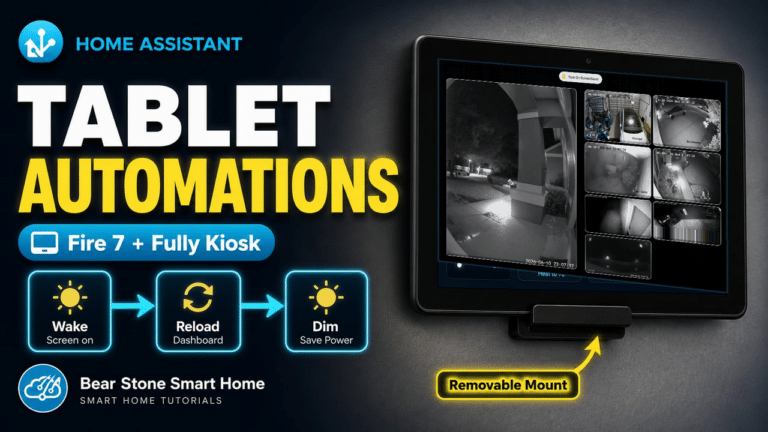
Amazon Fire Tablet Wall Kiosk
Amazon
View TabletA low-cost wall dashboard for camera feeds, room status, and quick Home Assistant control.
Watch: Fire tablet camera kiosk Read the walkthrough →Why this gear / tradeoffs
Why I Use It
This is the dedicated bedroom camera screen with Fully Kiosk recovery, bedtime dimming, and a focused dashboard instead of a general-purpose tablet home screen.
Pros
- Affordable always-on display
- Works well with Fully Kiosk watchdog and reload settings
- Good fit for a focused Home Assistant dashboard
Cons
- Needs reliable wall power
- Older tablet hardware can struggle with heavy dashboards
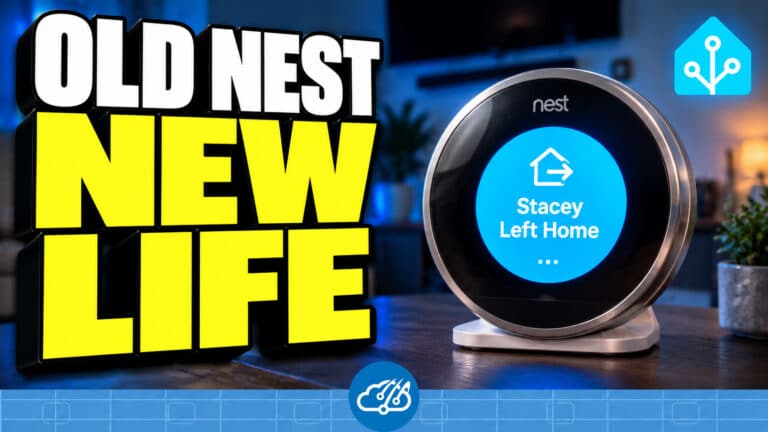
Retired Gen 2 Nest Display
Google Nest
A retired Gen 2 Nest turned into a round family-photo display with two-minute Home Assistant alerts, bedtime/away screen control and guest Wi-Fi QR rotation.
Watch: Old Nest, new life Read the walkthrough →Why this gear / tradeoffs
Why I Use It
It gives hardware we already own another job under the living-room TV. The gallery holds 45 personal photos with ten Keep favorites, shuffles through them, and keeps my agent Joanna's current avatar separate. Large icons and short messages make household notices readable from the couch. The kiosk dashboard has a round preview, photo controls and quiet health monitoring.
Pros
- Reuses the original circular screen, ring and center button
- Shares Home Assistant messages and house states with the other kiosks
- Runs from USB wall power and Wi-Fi after setup
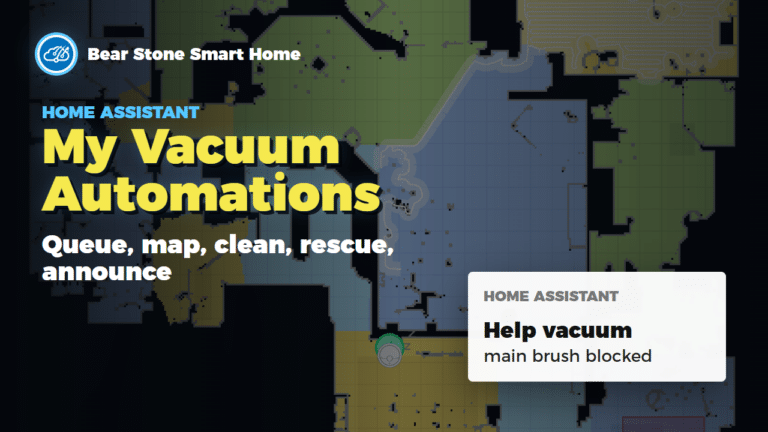
Dreame Vacuum
Dreame
View VacuumDreame L10s Ultra room queues, sweep / mop phases, family-return cancellation and rescue alerts.
Watch: vacuum automations Read the walkthrough →Why this gear / tradeoffs
Why I Use It
Home Assistant starts the room queue while we are away, tracks sweep and mop phases, and sends the robot home when the family returns.
Pros
- Reliable cleaning
- App + HA controls
- Quiet enough for night runs
Cons
- Consumables to replace
- Mapping can drift after moves

Rachio Sprinkler Controller
Rachio
View ControllerWeather-aware irrigation that respects rain delays and seasons.
Watch: Rachio sprinkler automations Read the walkthrough →Why this gear / tradeoffs
Why I Use It
Lets HA skip watering when the forecast or sensors say we are covered.
Pros
- Strong weather intelligence
- Easy zone mapping
- HA service hooks
Cons
- Cloud account required
- Outdoor enclosure may be needed
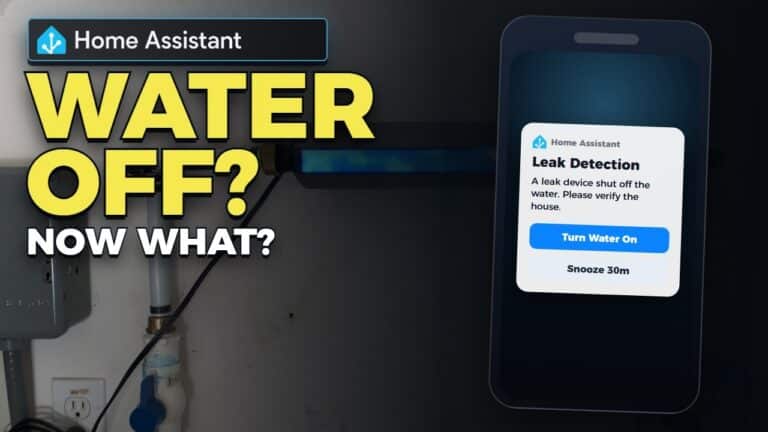
Phyn Plus Water Shutoff
Phyn
View ShutoffInline leak detection with automatic shutoff and HA-driven alerts.
Watch: leak detection automations Read the walkthrough →Why this gear / tradeoffs
Why I Use It
Protects the house from leaks and gives HA a direct shutoff control path.
Pros
- Accurate flow detection
- API hooks for HA automations
- Automatic shutoff
Cons
- Professional install recommended
- Needs Wi-Fi near the main
Garadget Garage Door Controller
Garadget
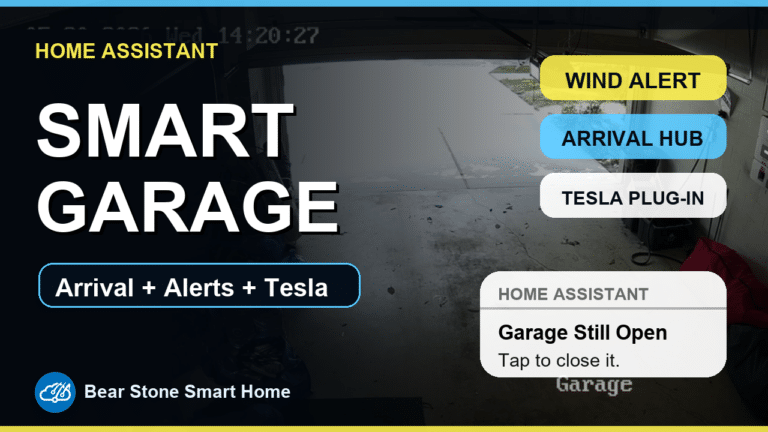
View ControllerGarage-door control and status through MQTT, with arrival helpers, camera views and nighttime reminders.
Watch: garage automations Read the walkthrough →Why this gear / tradeoffs
Why I Use It
The garage package combines MQTT cover control with arrival routines, entry lighting and reminders when a door is left open.
Pros
- Simple install
- HA-friendly API
- Good alerting on obstructions
Cons
- Needs reliable Wi-Fi in the garage
- Opener compatibility and MQTT firmware need checking
Tesla Powerwall 2
Tesla
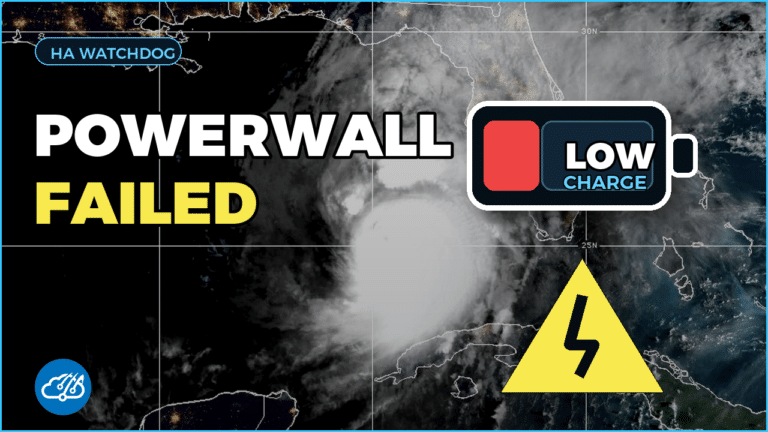
Powerwall at TeslaBattery backup feeding HA load-shed automations and outage alerts.
Watch: Powerwall charging watchdog Read the walkthrough →Why this gear / tradeoffs
Why I Use It
Keeps the house up during outages and lets HA prioritize critical loads.
Pros
- Seamless backup
- Granular energy data
- HA-friendly API
Cons
- Install lead time
- Utility approvals vary

Amazon Echo Show
Amazon
View Echo ShowVoice control and front-door video pop-ups when the August lock unlocks.
Watch: Echo Show 5 setup Read the walkthrough →Why this gear / tradeoffs
Why I Use It
Acts as a quick visual notifier and hands-free controller near the entry.
Pros
- Good doorbell display
- Multi-room voice assistant
- Works as intercom
Cons
- Camera privacy to manage
- Another device on the counter
August Smart Lock
August
View LockFront-door lock with status and control exposed to Home Assistant.
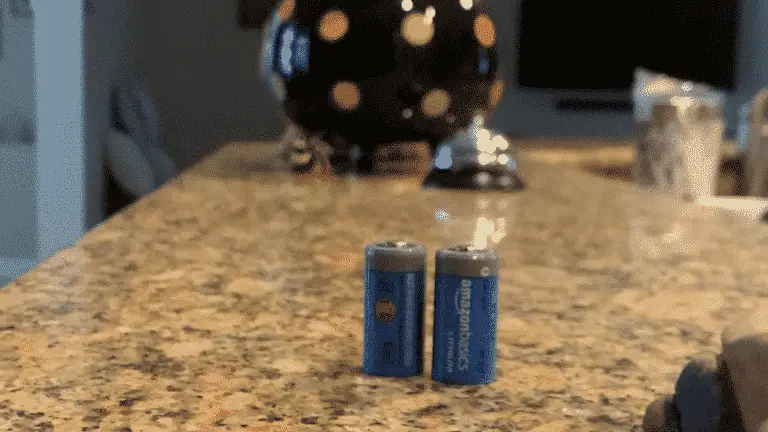
Watch: change the batteries Read the walkthrough →Why this gear / tradeoffs
Why I Use It
Ties front-door events to cameras and lighting while keeping the existing deadbolt.
Pros
- Retrofit install
- Reliable presence unlocks
- Works with existing keys
Cons
- Batteries need tracking
- Bridge adds another point of failure
Blink Cameras
Blink
View CamerasBattery camera monitoring with motion snapshots and alerts surfaced in Home Assistant.
Why this gear / tradeoffs
Why I Use It
The Blink package feeds motion and snapshot events into the notification flow without requiring a fully custom camera stack.
Pros
- Easy camera deployment
- Battery-powered placement flexibility
- Useful motion snapshot alerts
Cons
- Cloud dependency
- Snapshot and motion timing can lag compared with local cameras
Etekcity 433MHz Outlet
Etekcity
View OutletRF outlet control used for accent lighting relays and simple switched loads.
Watch: replacing RF outlets Read the walkthrough →Why this gear / tradeoffs
Why I Use It
These outlets are a practical fit for accent lights where inexpensive RF switching is enough and full smart-plug telemetry is not required.
Pros
- Low-cost switched outlet control
- Good for accent lights
- Works with simple RF transmitter/receiver setups
Cons
- One-way RF control means no native state feedback
- 433MHz setups need careful receiver/transmitter placement
Flux / LED Strip Controller
Flux
View ControllerLED controller powering monthly color scenes for the exterior.
Watch: Magic Home LED setup fix Read the walkthrough →Why this gear / tradeoffs
Why I Use It
Cheap RGB control that plays well with HA scripts and holiday presets.
Pros
- Budget friendly
- Works with HA scenes
- Flexible LED support
Cons
- OTA firmware can vary
- Needs careful power planning
GE Cync / C by GE Lights
GE Cync
View LightsConnected lights and outlets used in Home Assistant routines through the Cync/C by GE setup.
Why this gear / tradeoffs
Why I Use It
The package keeps these lights available for voice-control routines and whole-home interior-off behavior.
Pros
- Useful for room lighting scenes
- Works with voice-control routines
- Good fit for grouped light shutoff automations
Cons
- Cloud/app behavior can affect reliability
- Best kept behind simple, well-scoped automations
Google Nest Thermostat
Google Nest
View ThermostatHVAC control with Home Assistant schedules, climate status, filter reminders, and maintenance tracking.
Watch: HVAC monitoring and maintenance Read the walkthrough →Why this gear / tradeoffs
Why I Use It
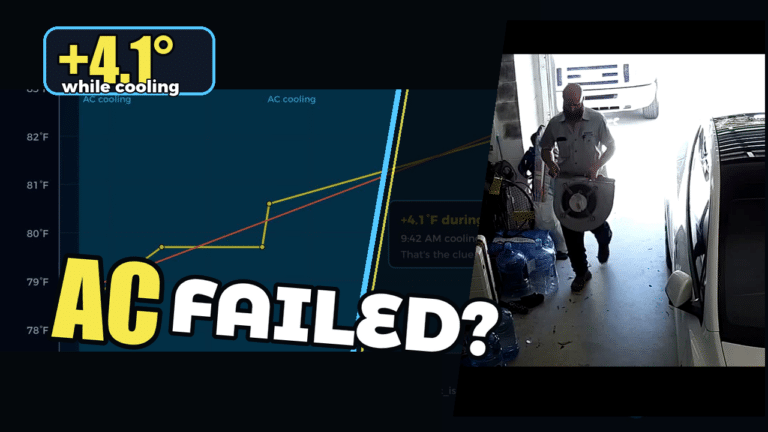
The climate package ties thermostat state into comfort targets, runtime-based filter reminders, humidity handling, and condenser-line maintenance.
Pros
- Clean thermostat hardware
- Useful climate telemetry in Home Assistant
- Good automation surface for reminders and seasonal routines
Cons
- Cloud account dependency
- Some advanced behavior depends on the integration state
NFC Tags
NFC
View TagsTap a phone on an NFC sticker to log an HVAC filter change or trigger a Home Assistant quick action.
Watch: HVAC maintenance Read the walkthrough →Why this gear / tradeoffs
Why I Use It
An NFC sticker on each HVAC unit records which filter was changed. The climate package updates that unit's date and runtime counters after a tap.
Pros
- Cheap and flexible
- No batteries or wiring
- Great for experiments and location-specific shortcuts
Cons
- Phone behavior and permissions matter
- Less seamless than a dedicated physical button
NodeMCU / ESP8266 DIY Sensors
NodeMCU
ESP8266 boardESP8266 GPIO nodes feed wired door and window contacts into the Home Assistant alarm package over MQTT.
Why this gear / tradeoffs
Why I Use It
DIY contact nodes let the alarm package reuse wired opening sensors and keep their events in Home Assistant.
Pros
- Low cost
- Fully local
- Easy to reprogram
Cons
- Needs USB power
- Enclosure required for tidy installs
Roku Streaming Device
Roku
View RokuFind a lost Roku remote with a sound, then use phone notification buttons to repeat the alert or mark it found.
Watch: find the remote Read the walkthrough →Why this gear / tradeoffs
Why I Use It
Makes TV presence a reliable trigger for lights and notifications.
Pros
- Cheap presence signal
- Easy HA integration
- Low power
Cons
- Wi-Fi reliant
- Needs CEC in some setups
Raspberry Pi 3 + Aeon Z-Wave Stick
Raspberry Pi / Aeotec
View HardwarePi 3 and Aeon USB radio retained as a reference for older Z-Wave projects.
Watch: my earlier Raspberry Pi setup Read the walkthrough →Why this gear / tradeoffs
Why I Use It
This entry preserves the earlier hardware reference. Check current Home Assistant host and radio support before copying it.
Pros
- Stable USB Z-Wave radio
- Cheap dedicated host
- Easily replaceable
Cons
- Pi stock can vary
- USB range depends on placement
Amazon Echo Glow
Amazon
View Echo GlowColor-changing visual notifier candidate for Home Assistant status cues.
Why this gear / tradeoffs
Why I Use It
Useful as a dedicated, glanceable Alexa-controlled light for door, lock, and house-status notifications if the Homebridge bridge exposes reliable controls.
Pros
- Glanceable color status
- Alexa routine friendly
- Good fit for non-verbal alerts
Cons
- Bridge path needs validation
- Likely cloud/auth dependency